
Introduction
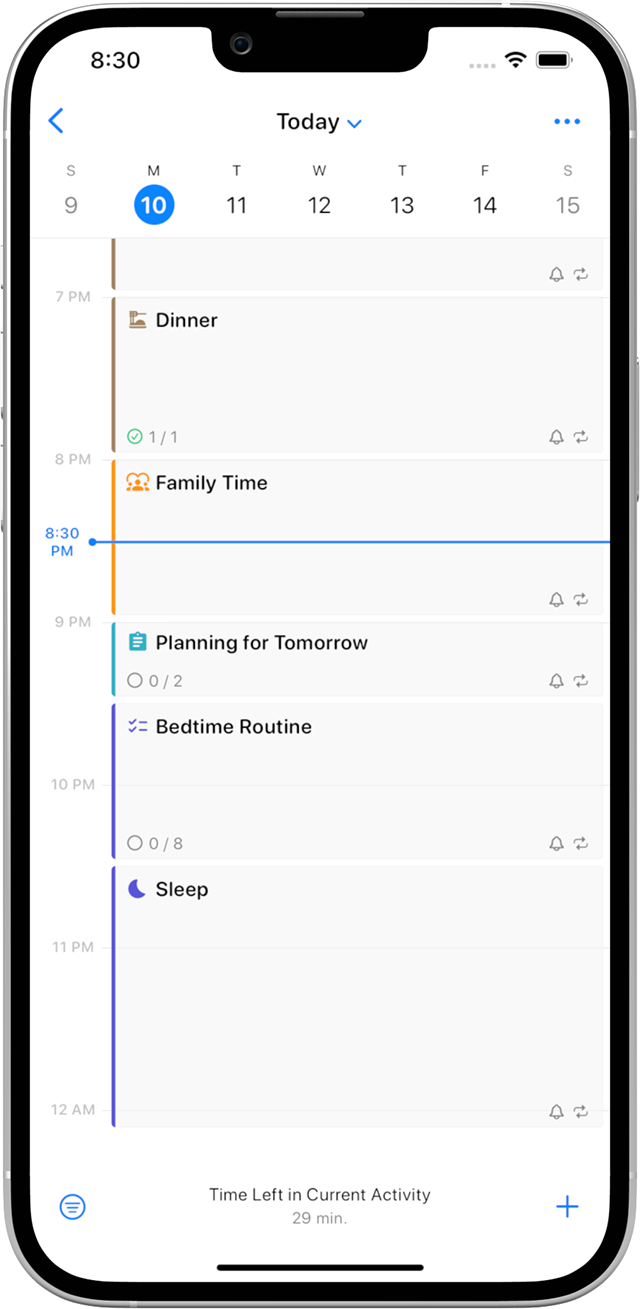
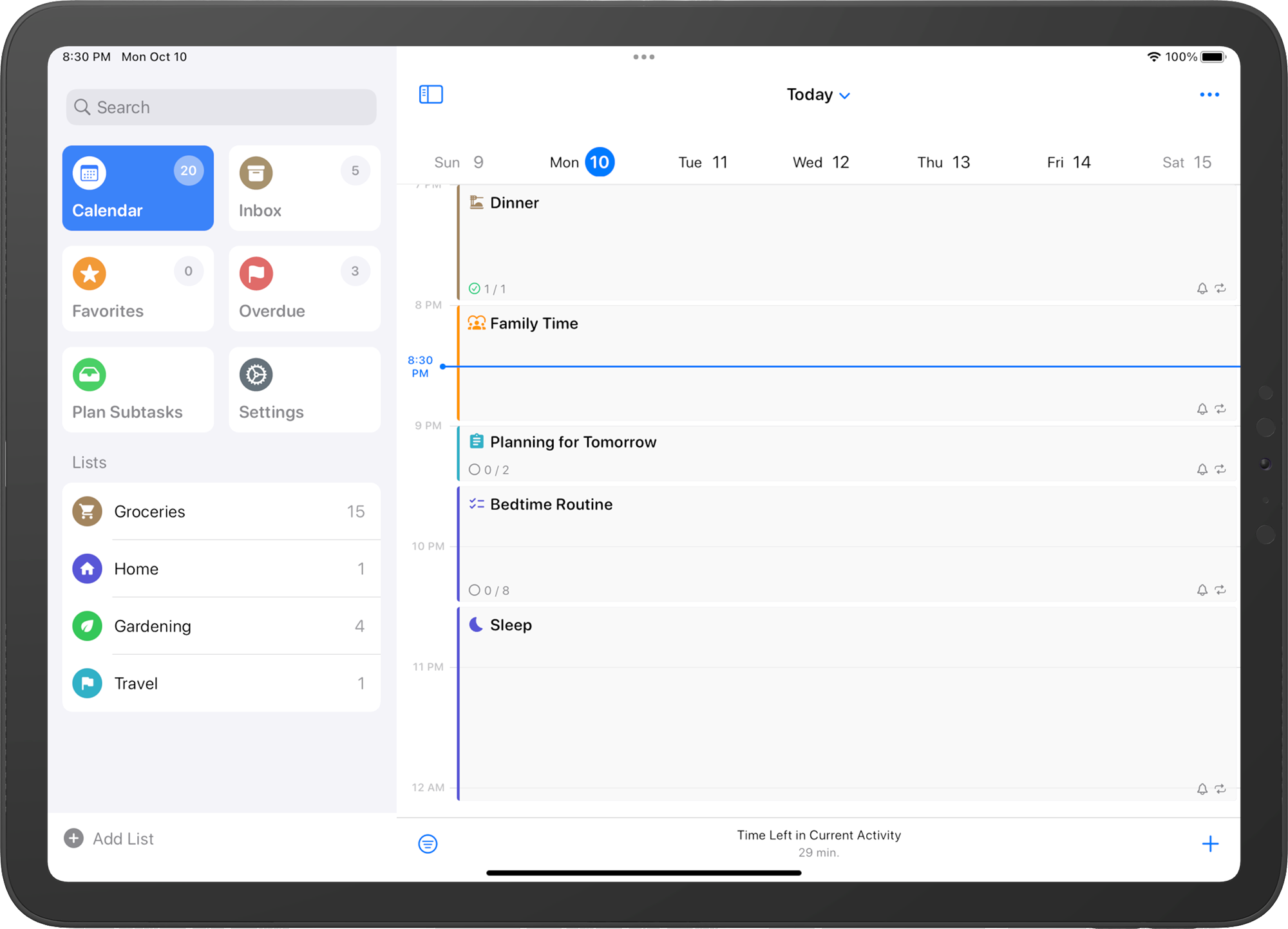
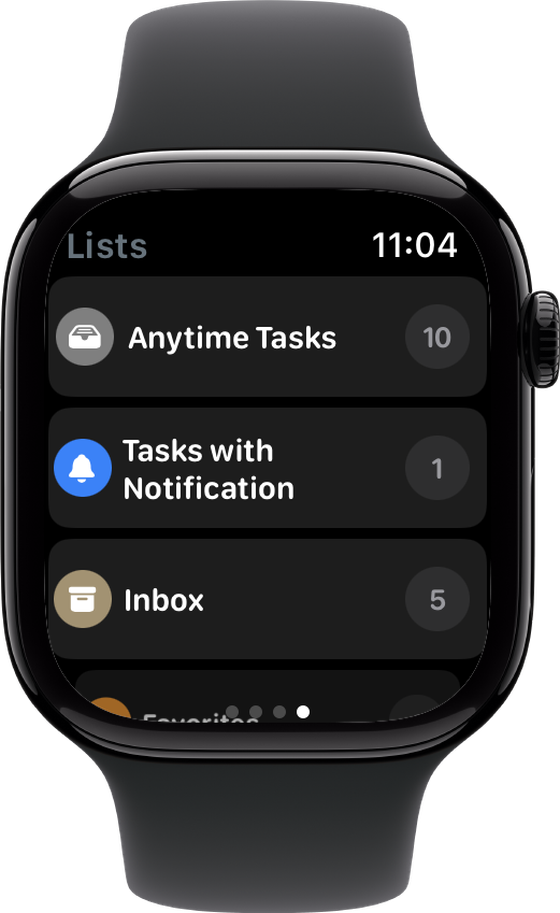
SuperPlanner is a visual day planner and task manager for iPhone, iPad, Mac and Apple Watch.
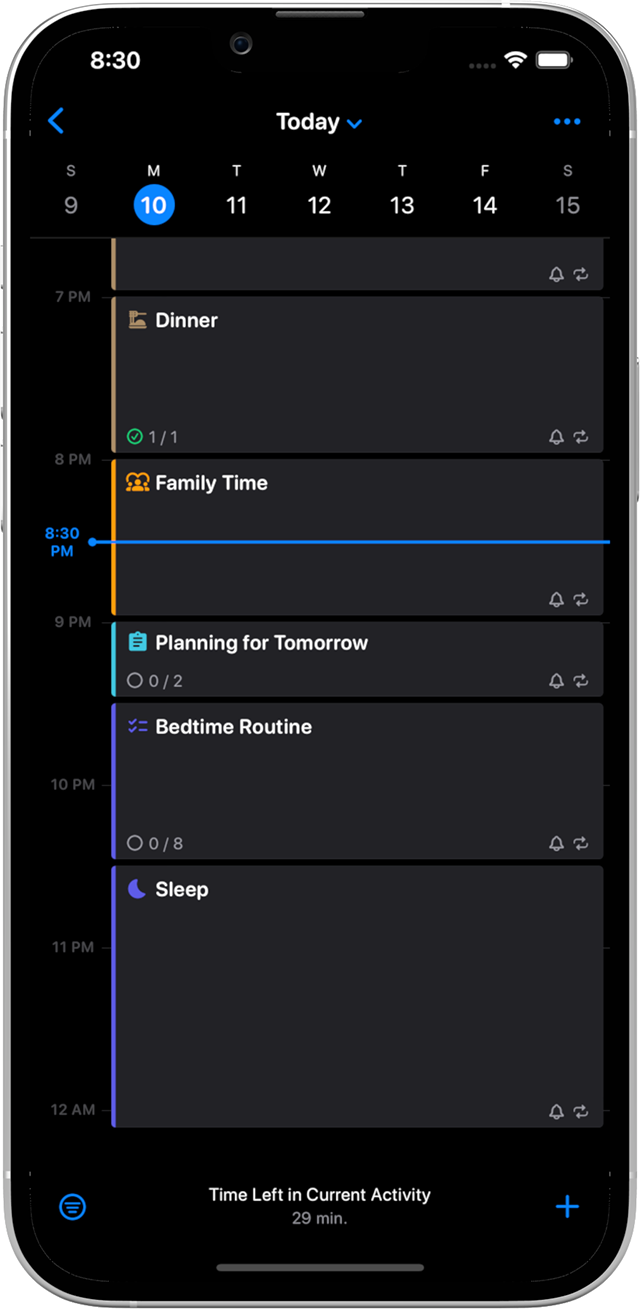
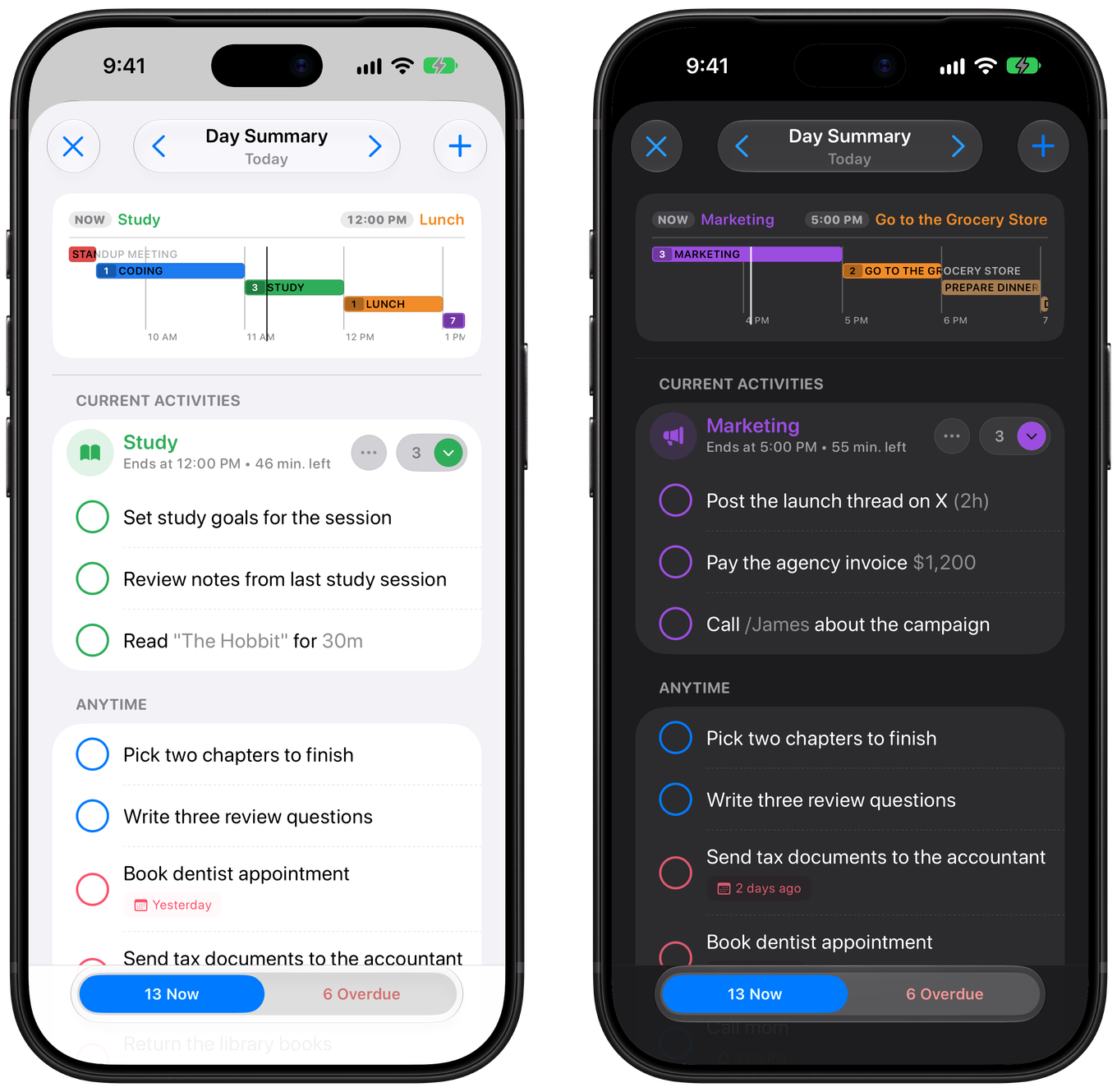
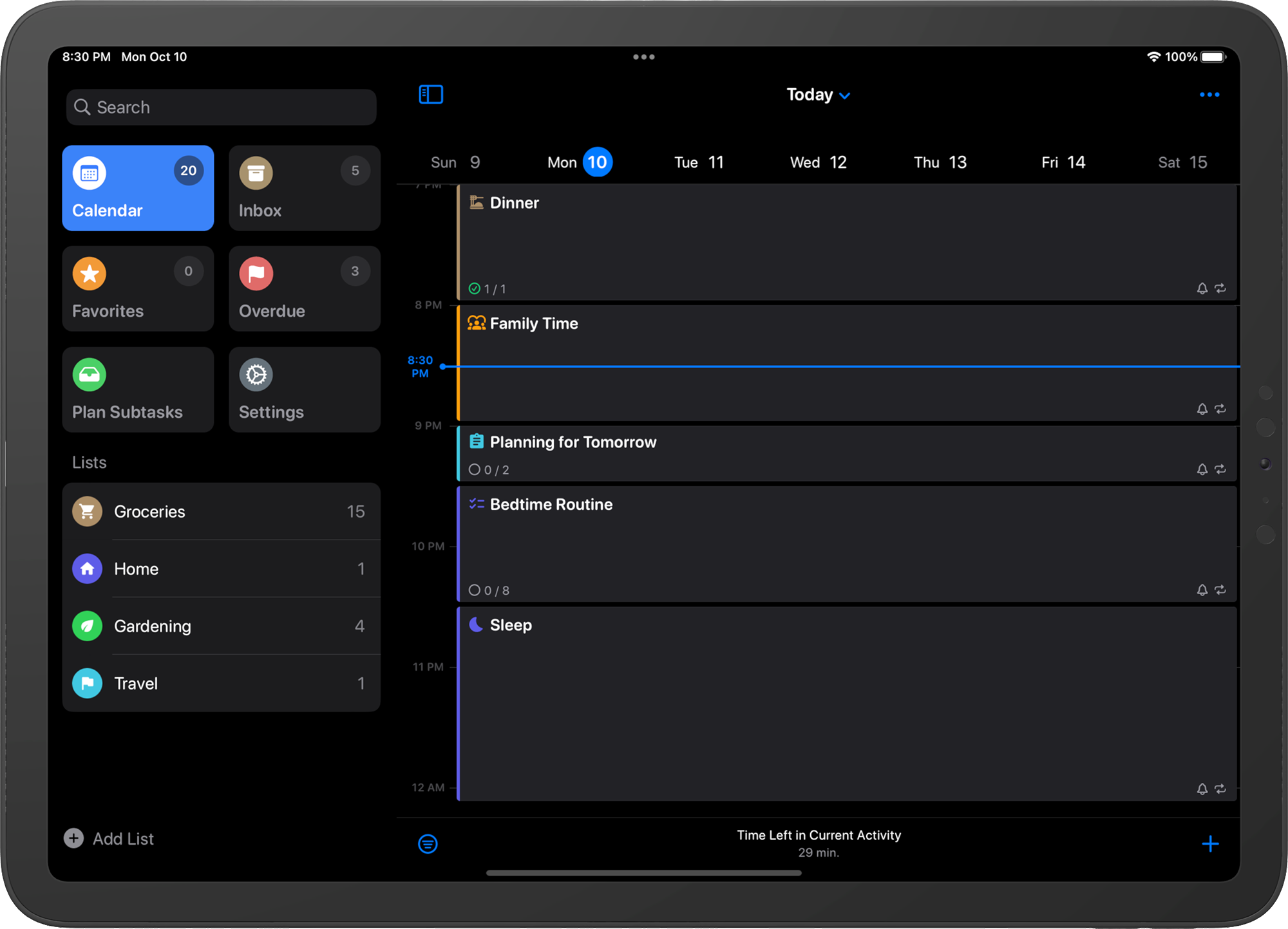
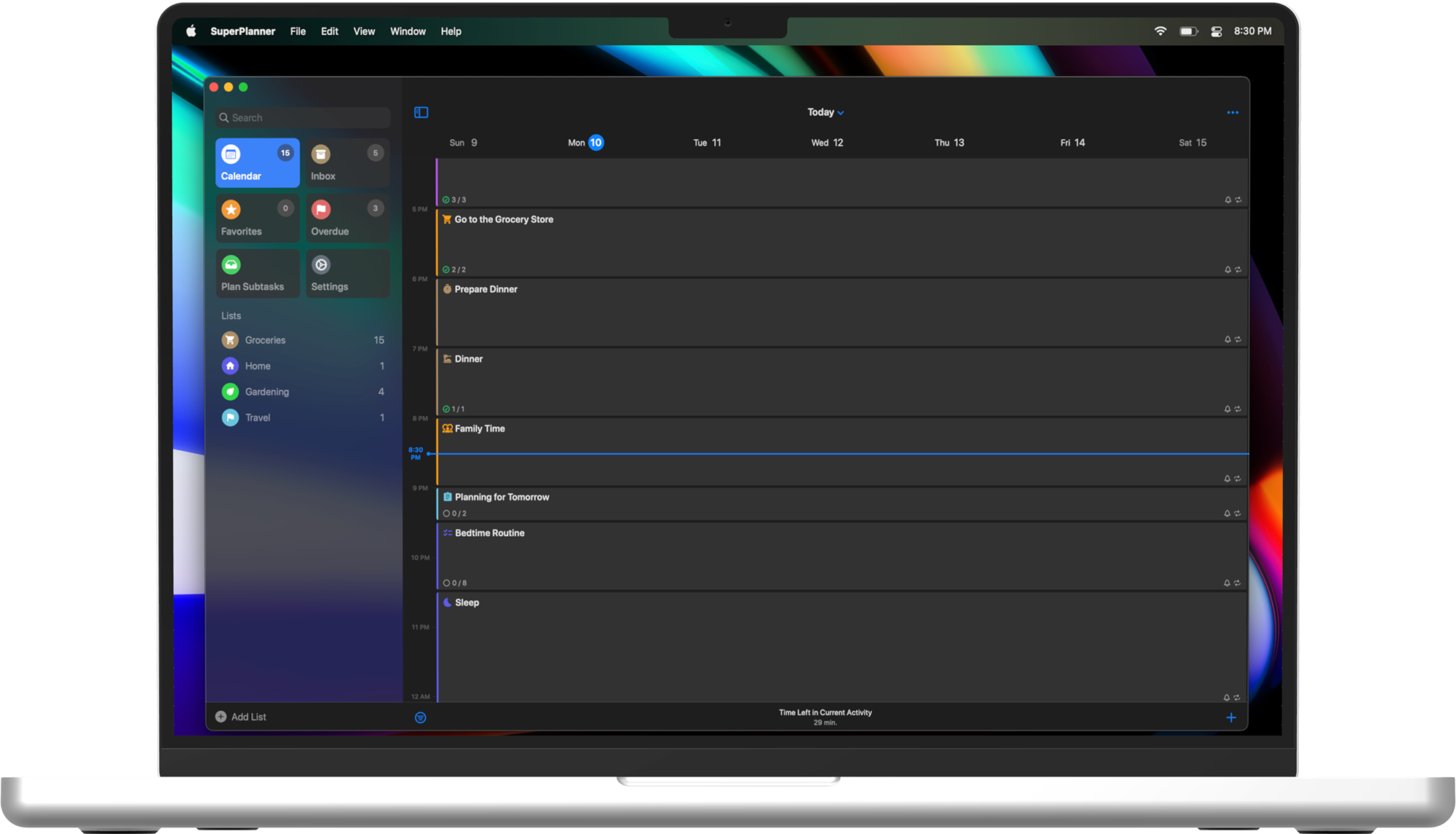
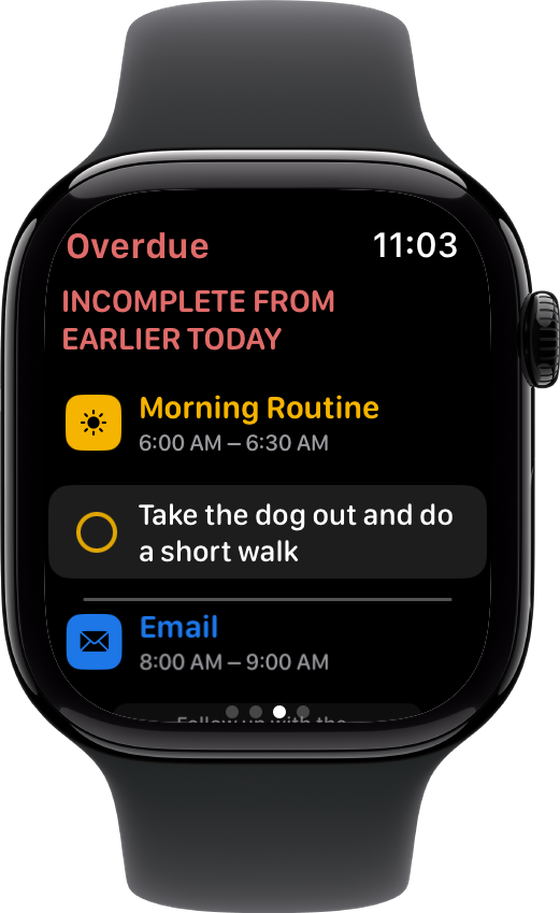
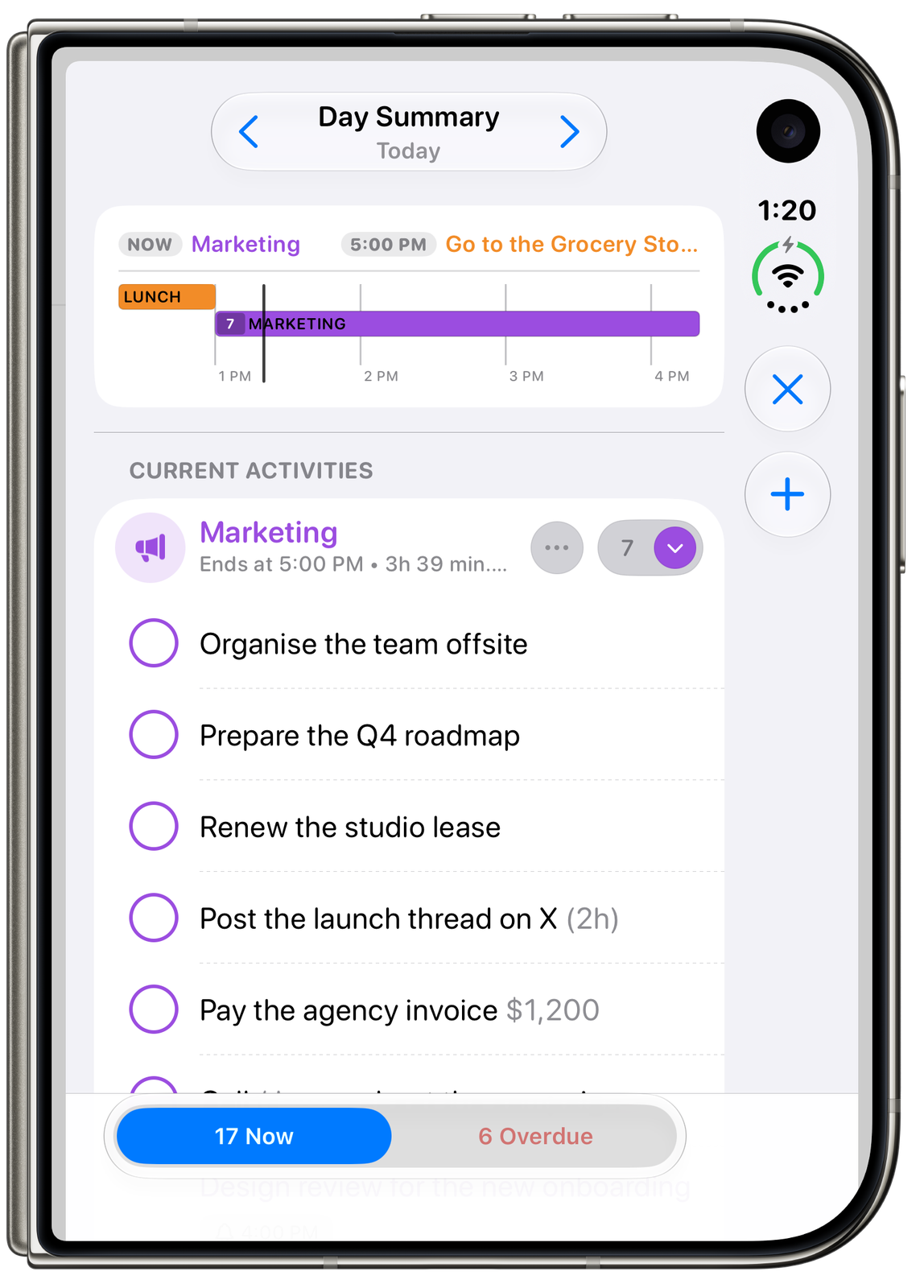
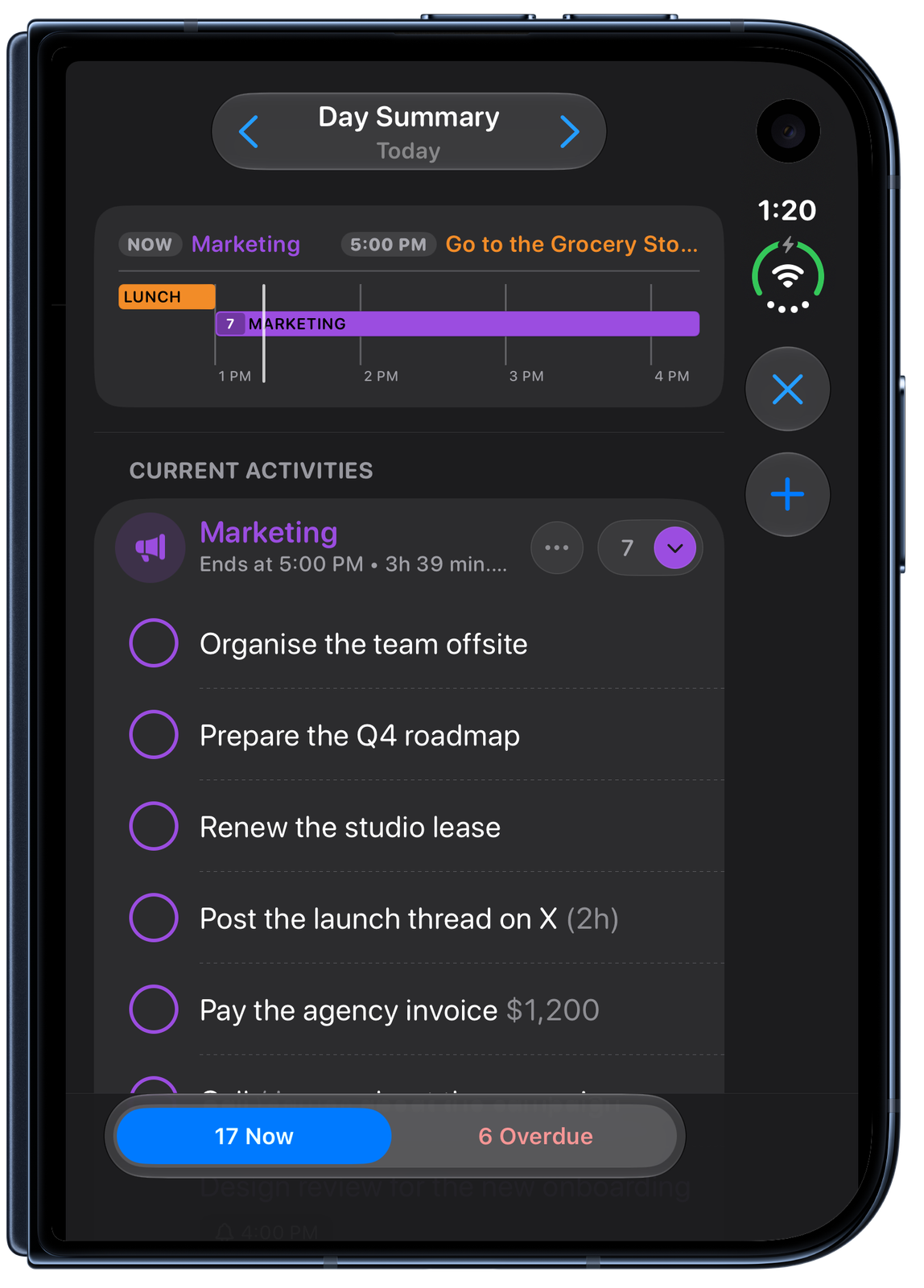
Plan the day with time blocking: activities and calendar events sit on one timeline, and each of them holds its own task list. Day Summary shows what is happening now, what is overdue and what is next. No user account is required and the data is securely and privately synced via iCloud.

iPhone Duo Showcase
A minute on iPhone Duo. Tap a frame to jump to that moment.
iPhone Duo
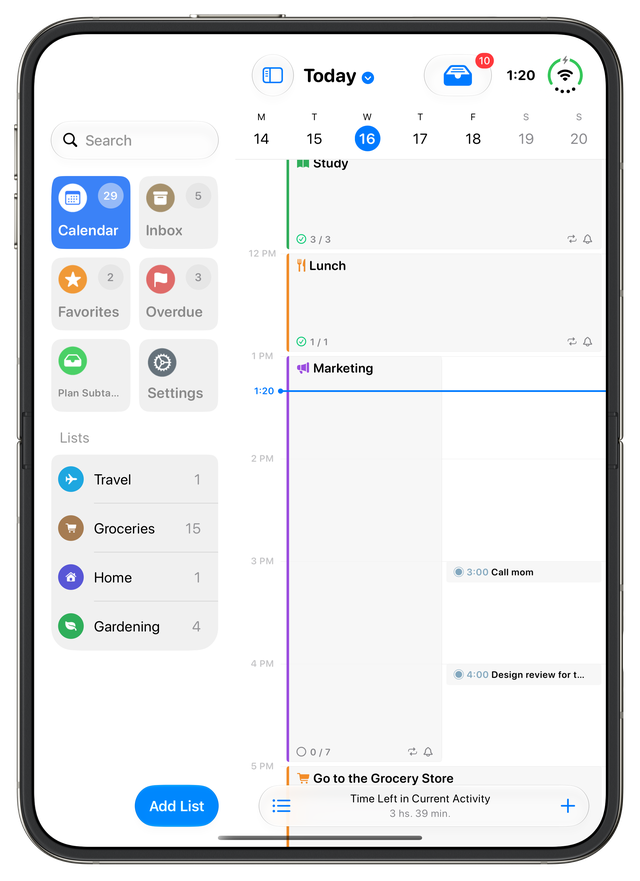
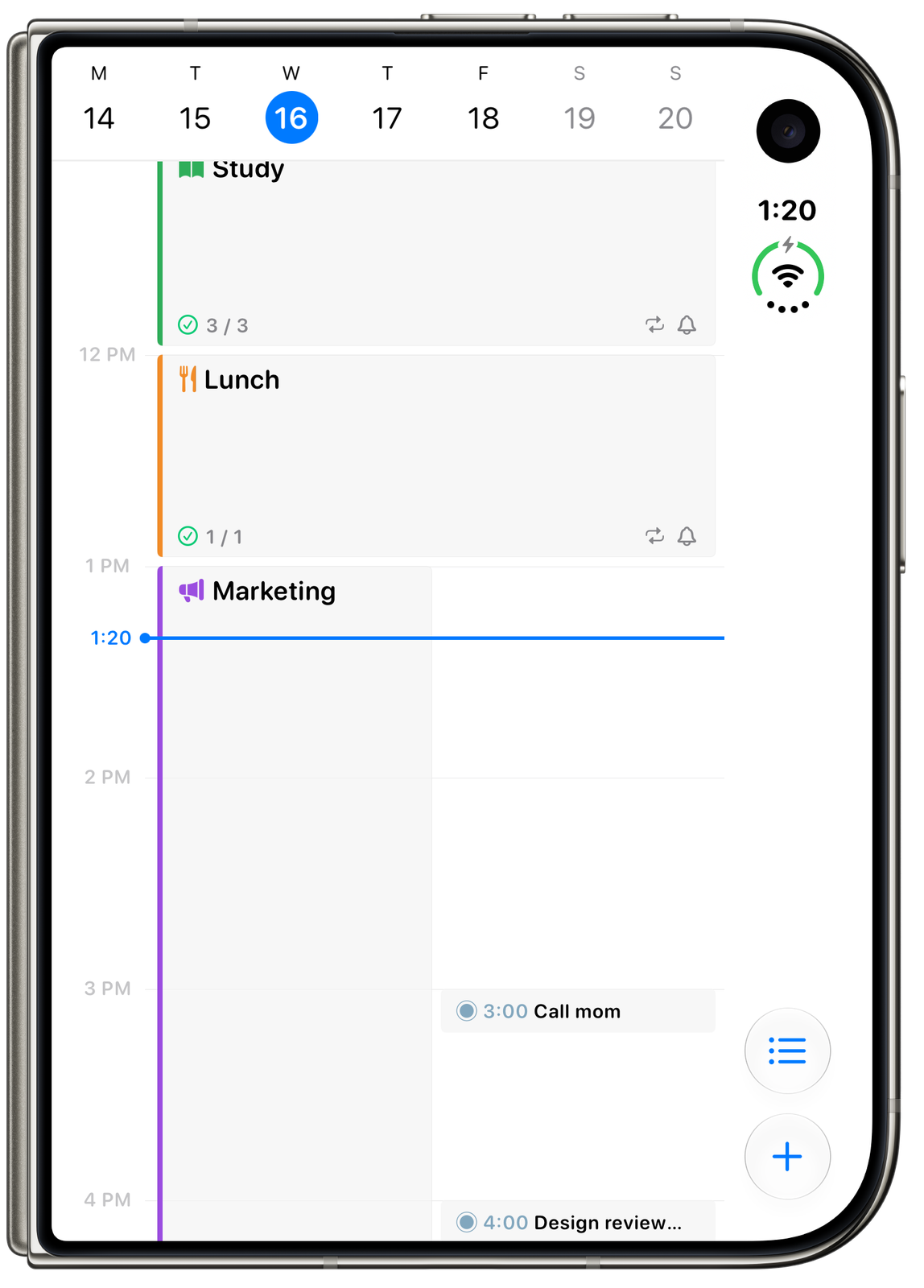
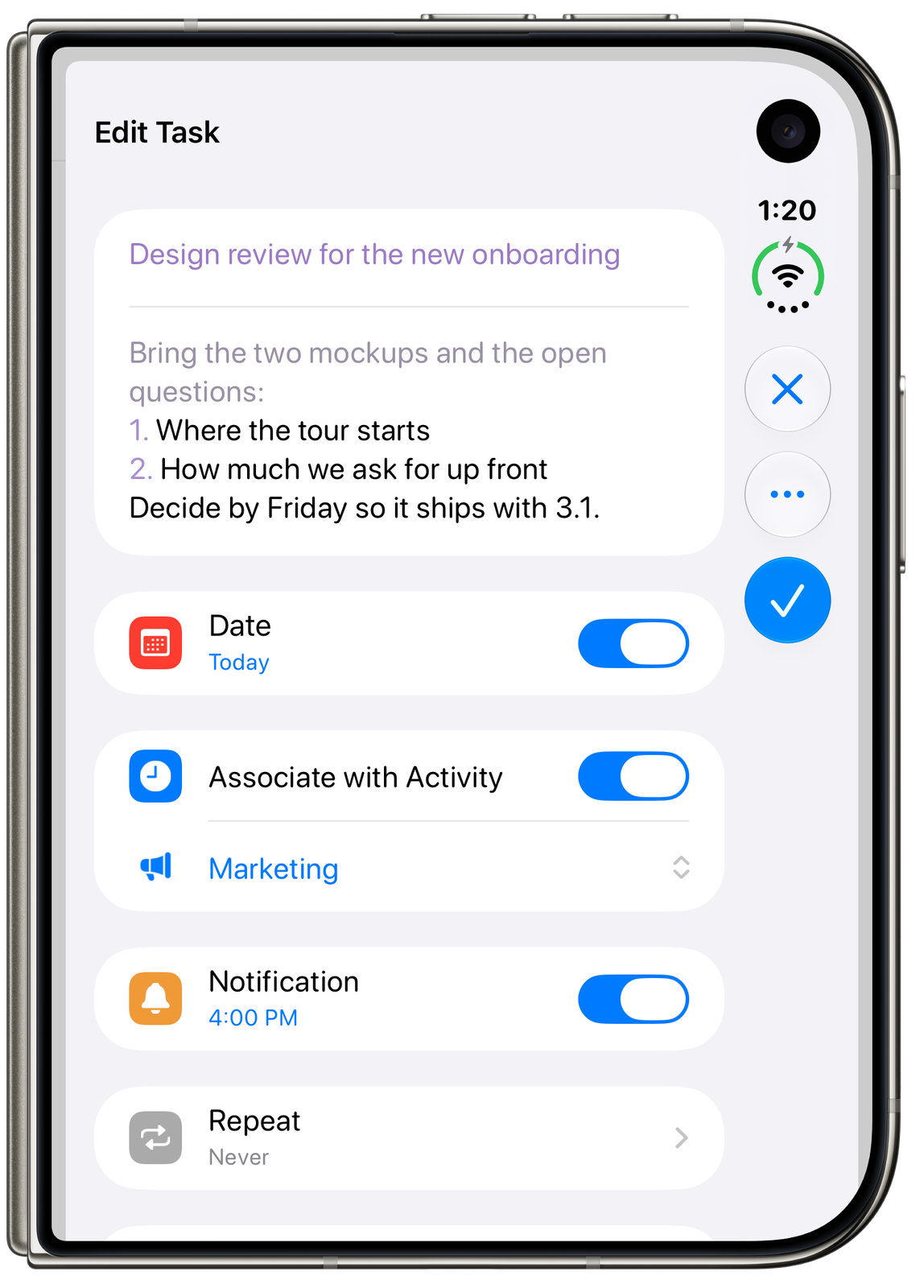
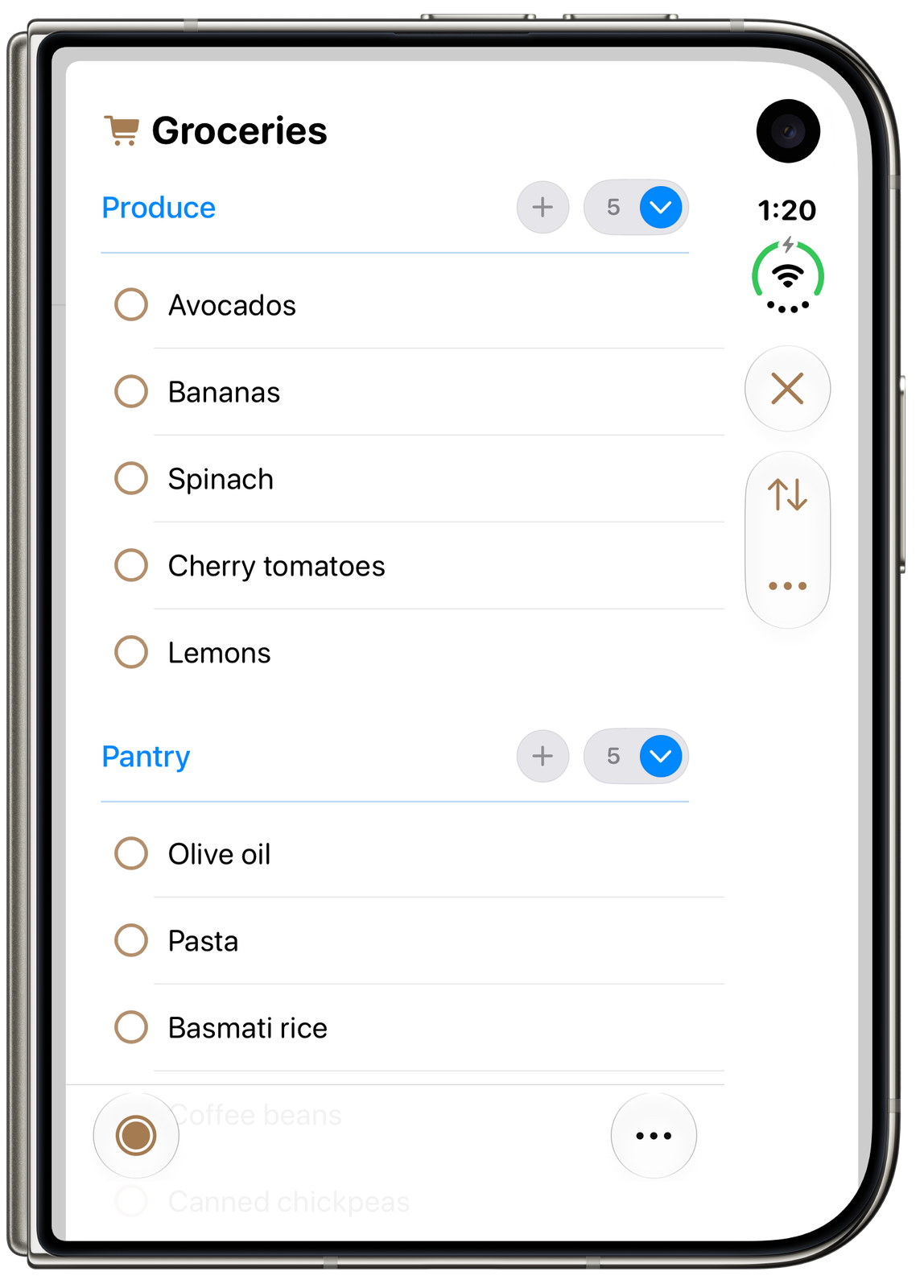
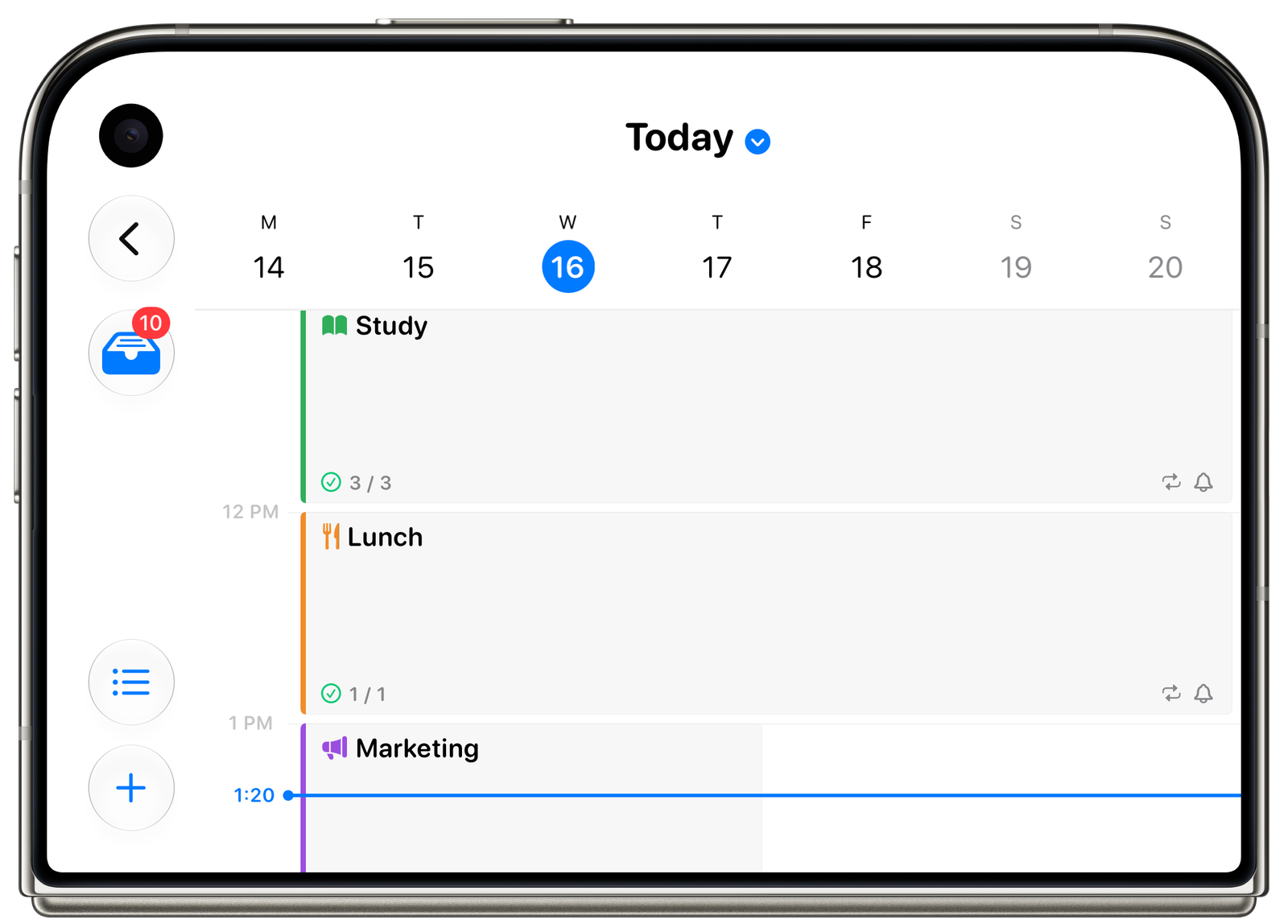
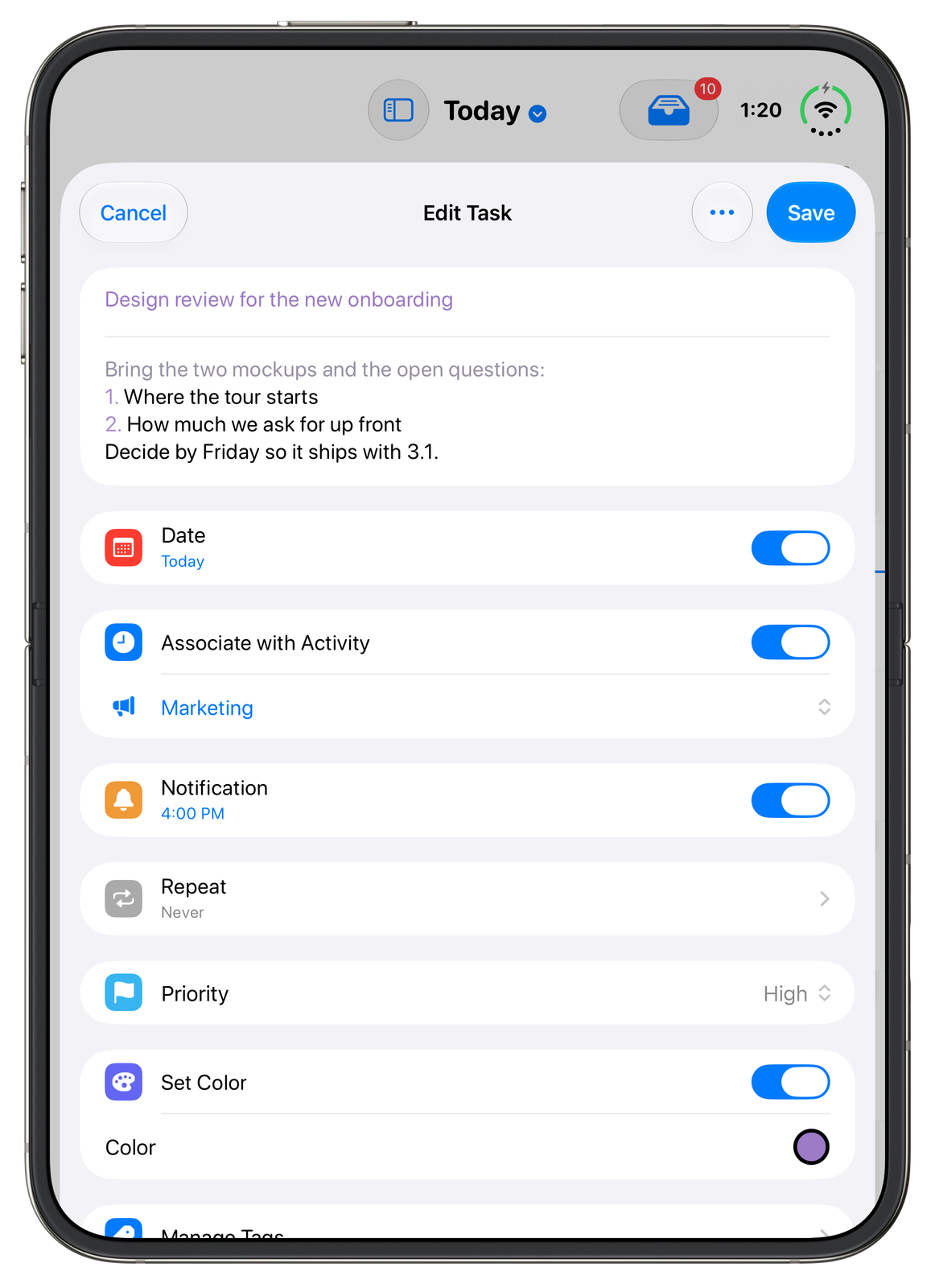
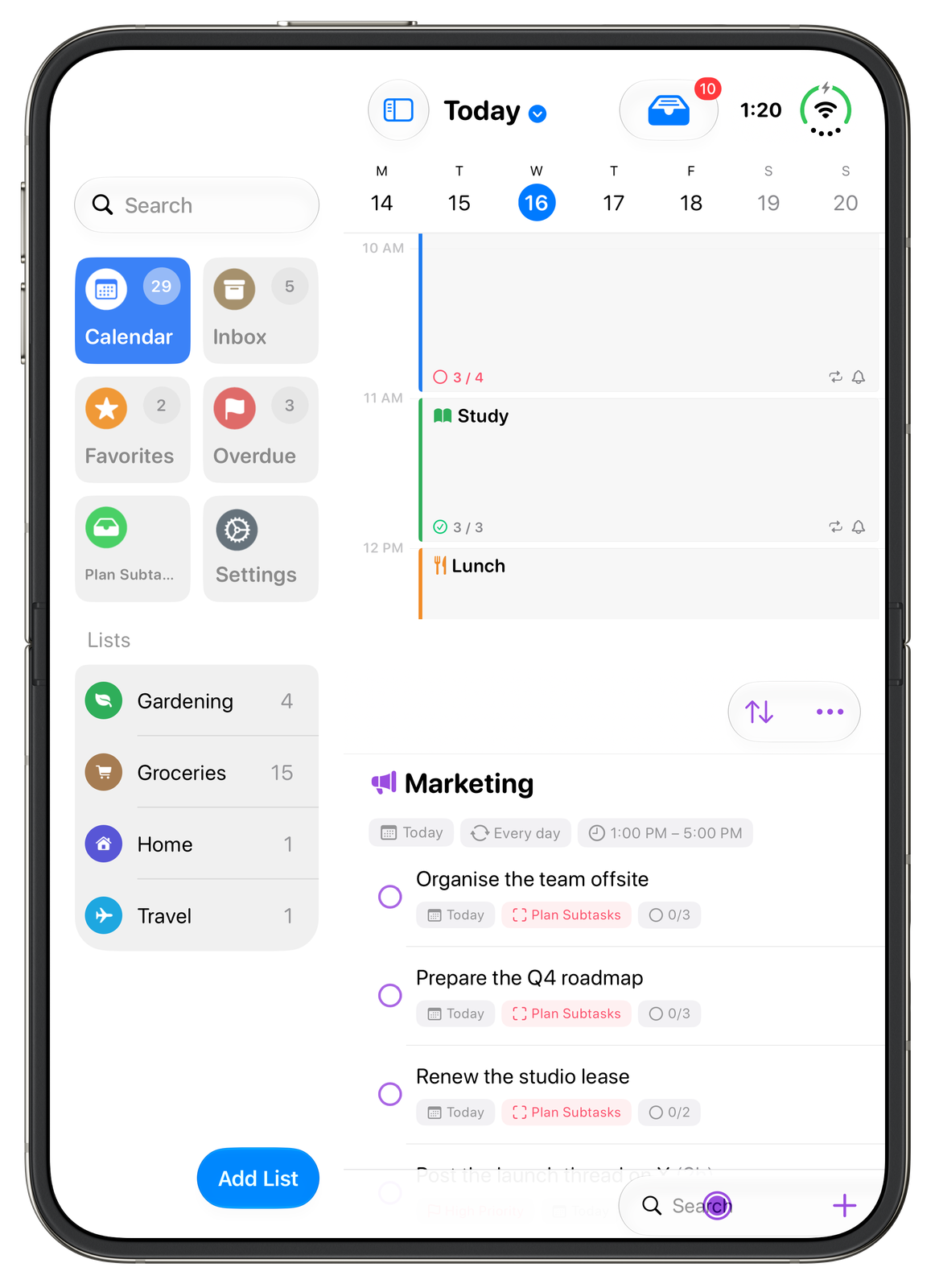
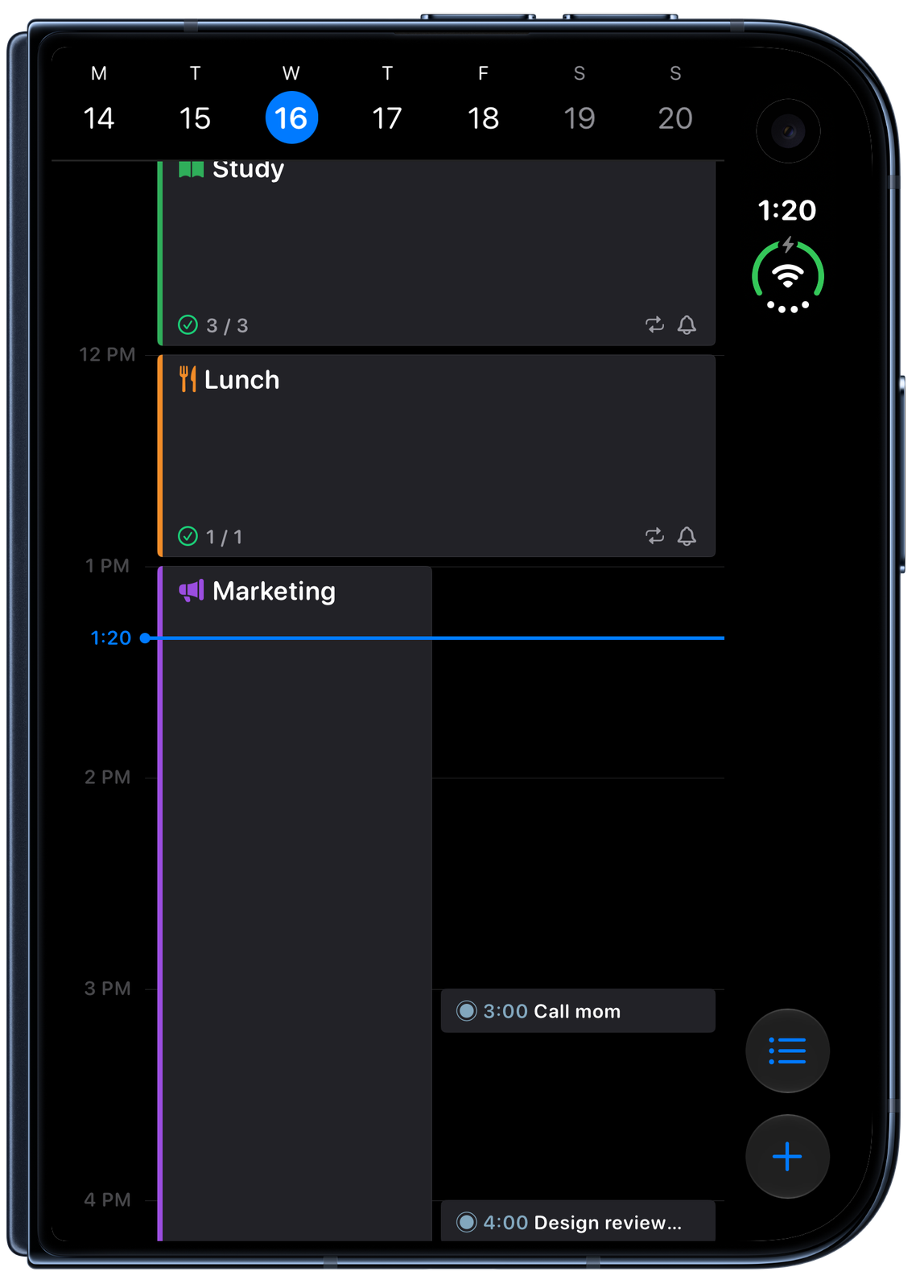
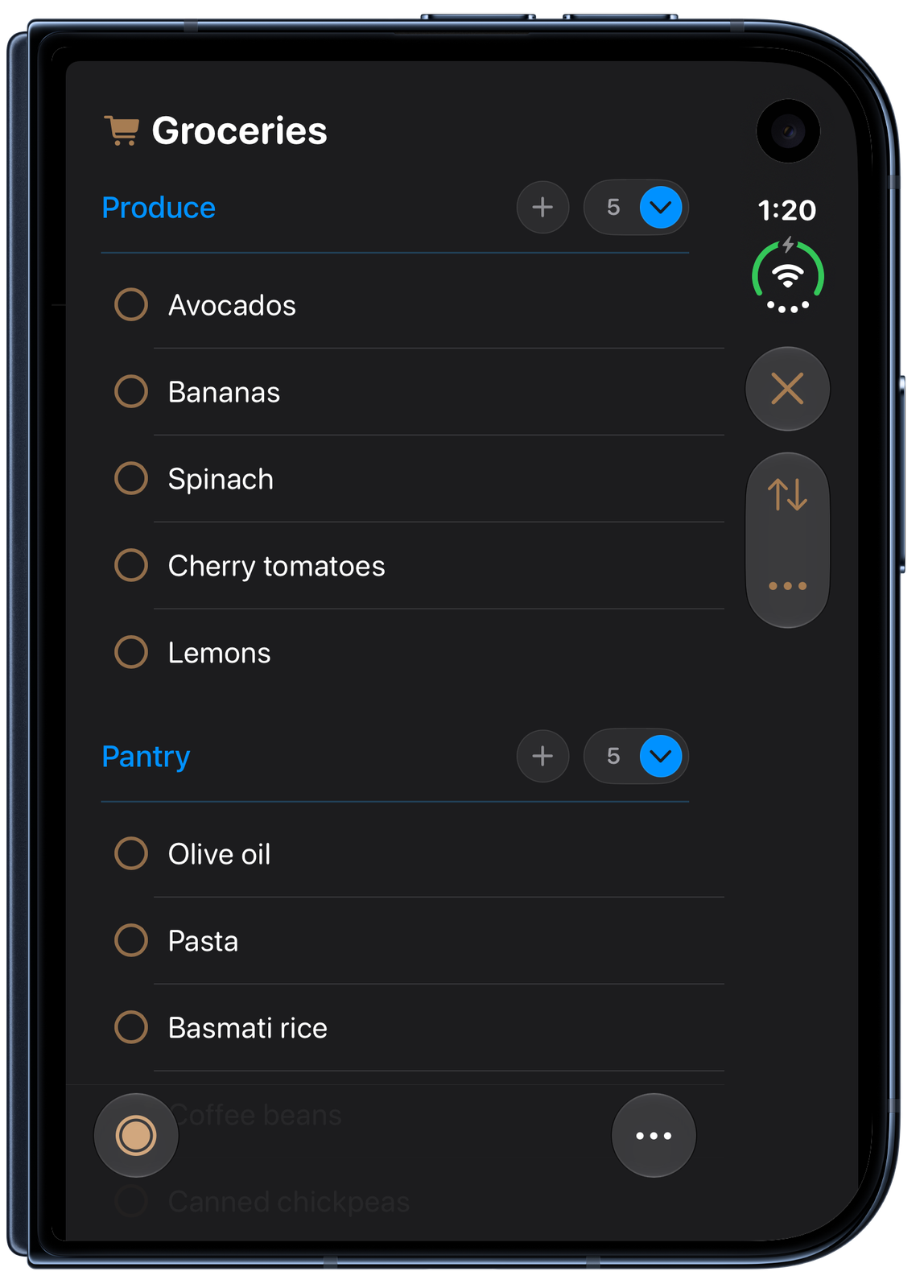
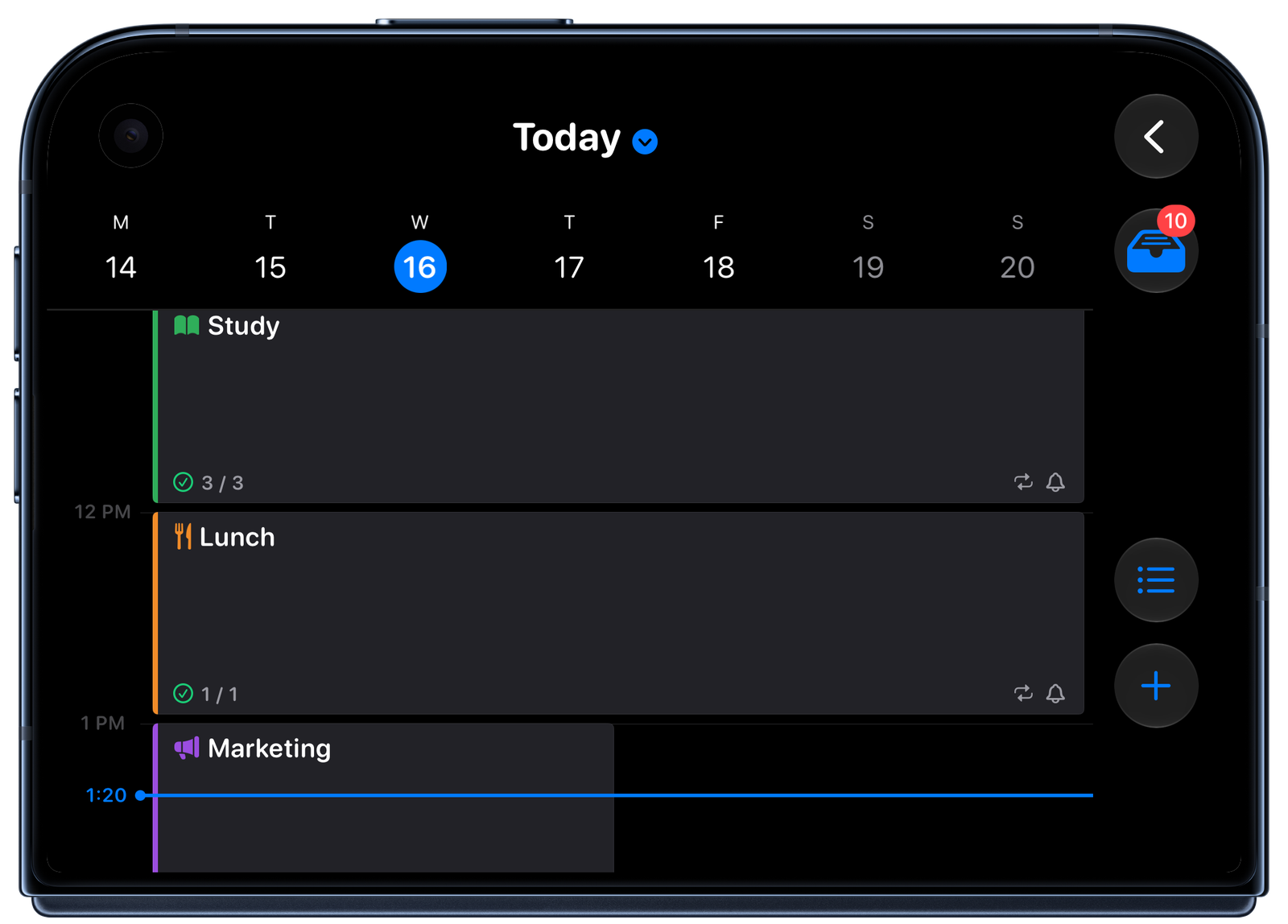
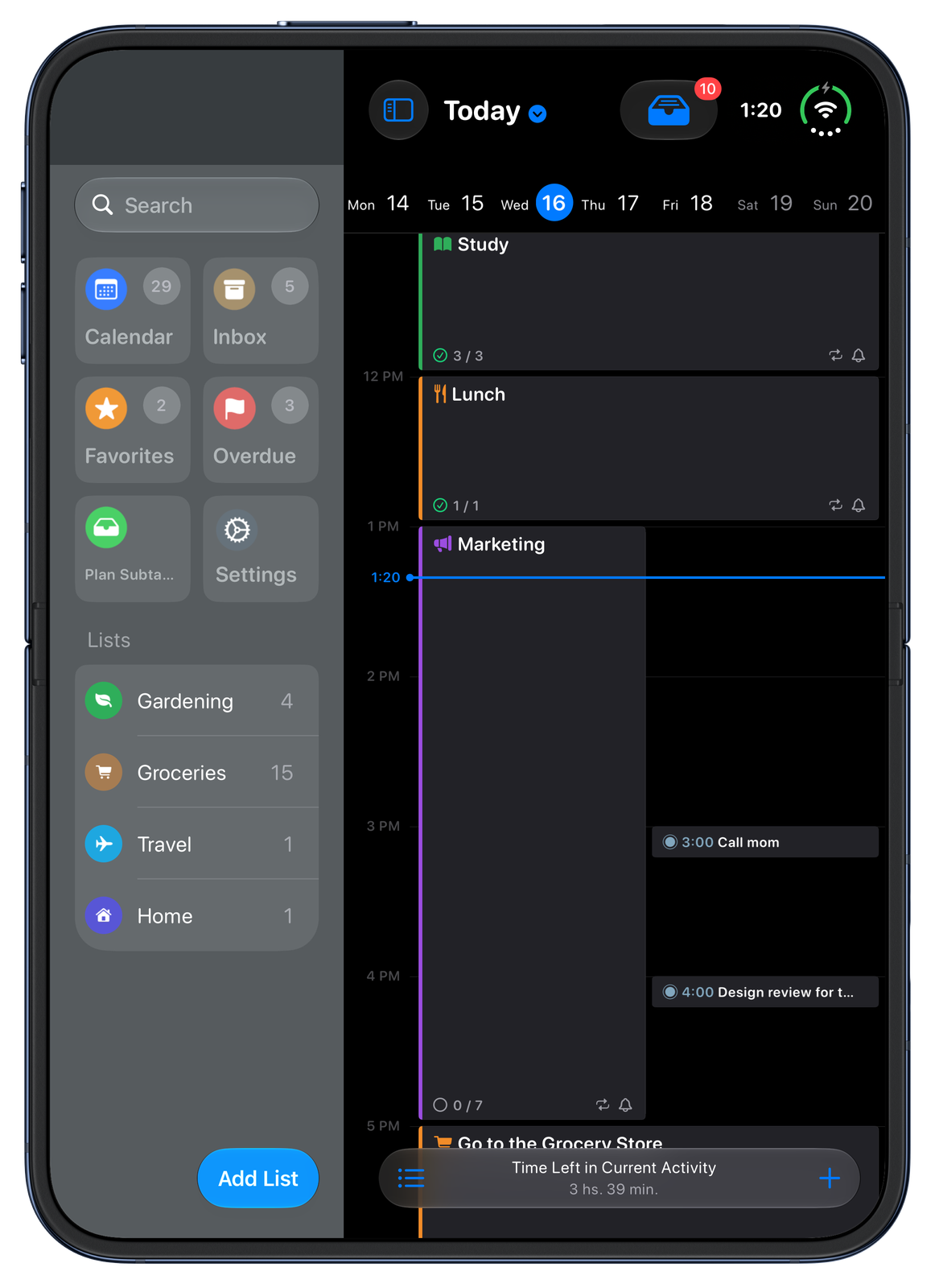
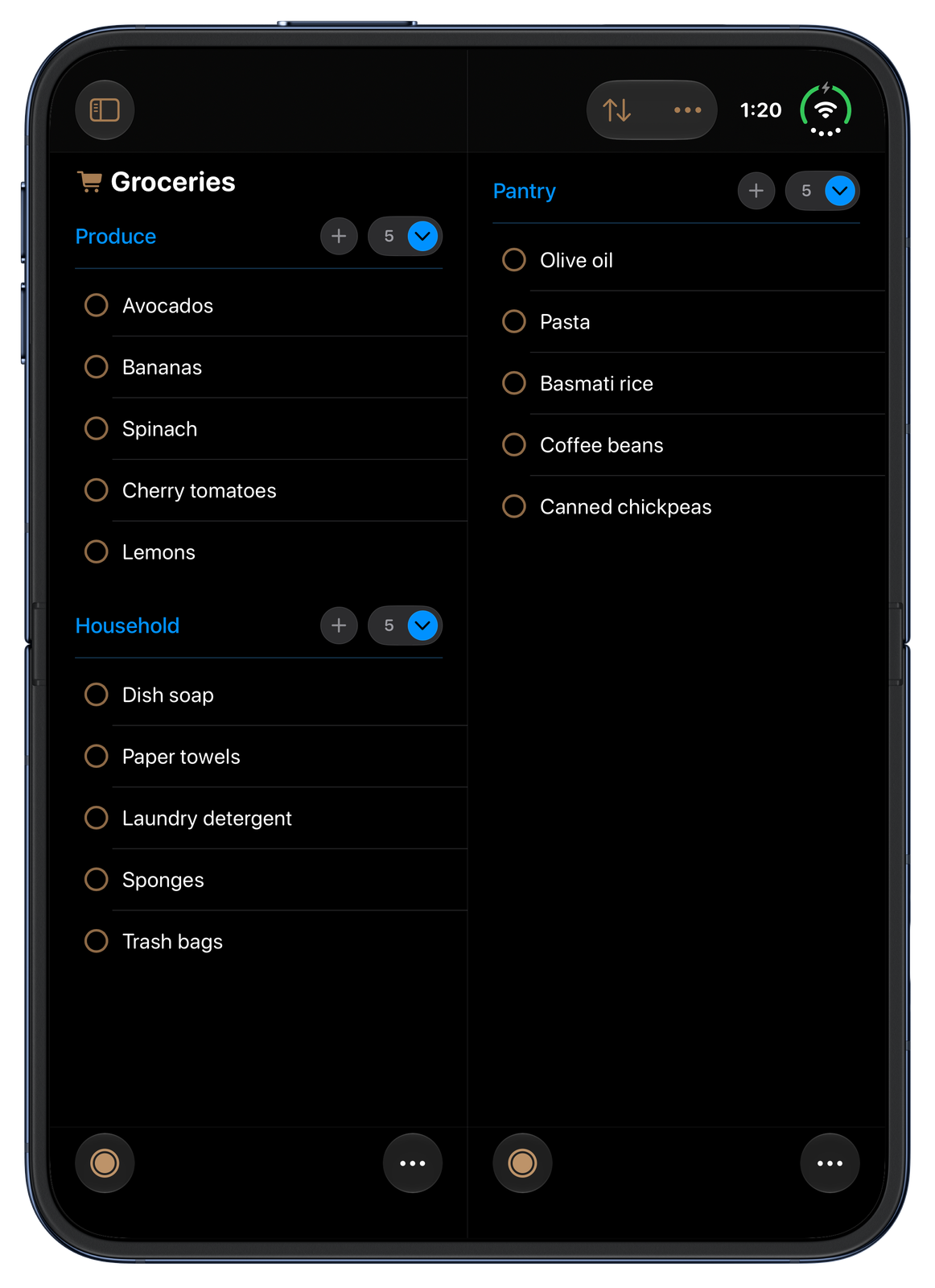
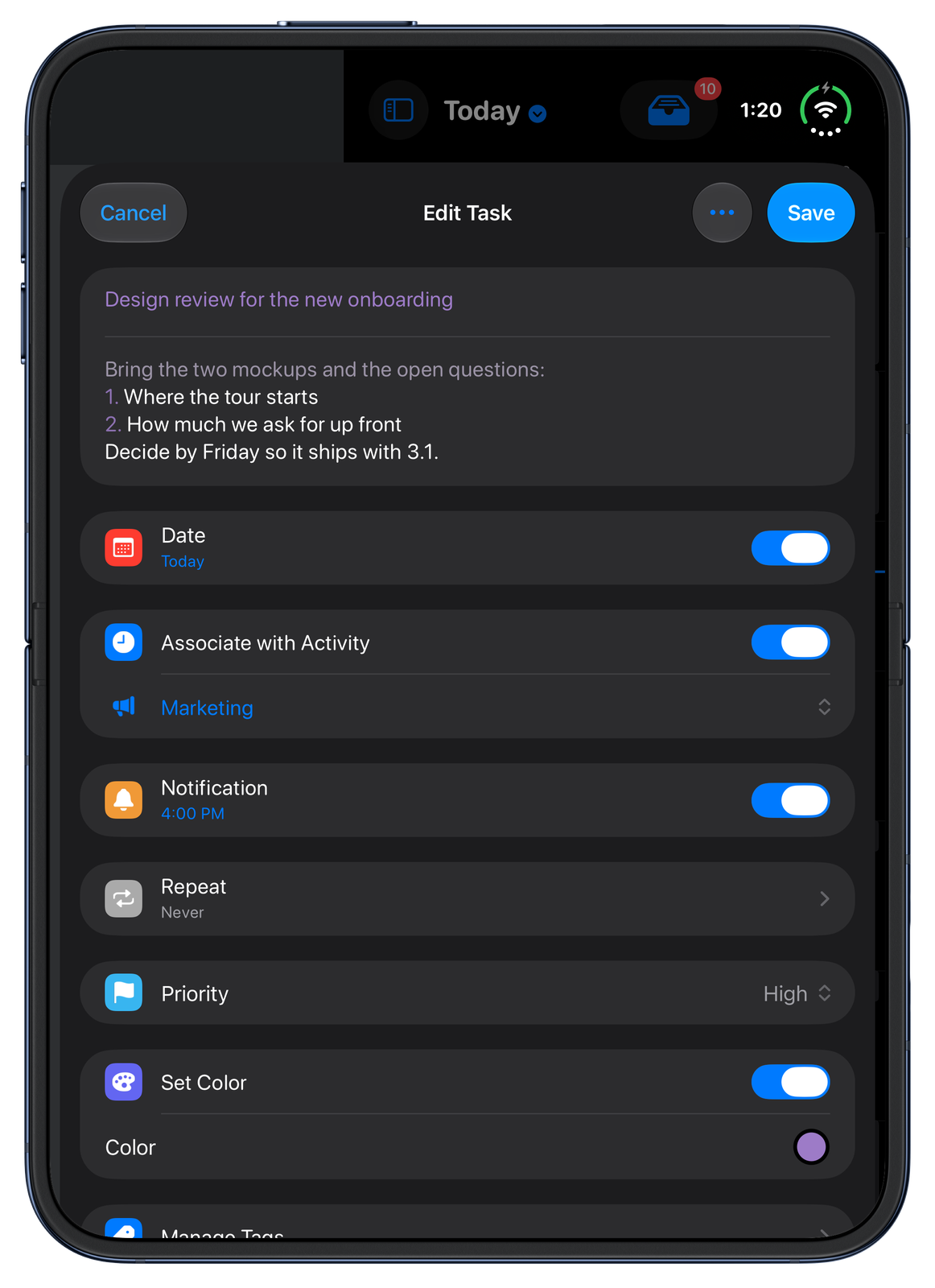
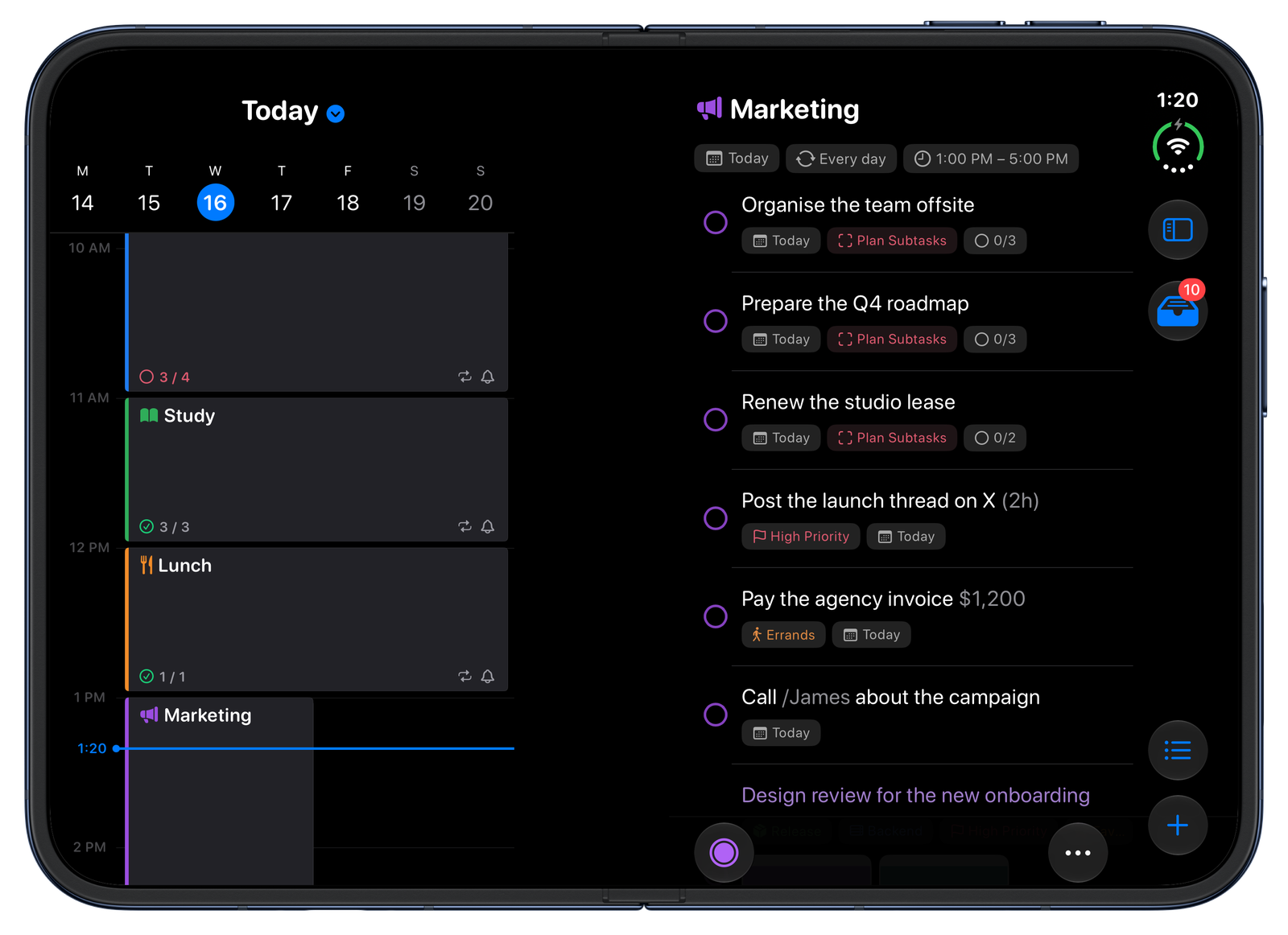
iPhone Duo is Apple's intelligent personal hub, and SuperPlanner is built for it. Closed, your day stays in hand on the outer display; open, the sidebar sits beside a full-height timeline and lists spread into two columns; partly folded, the timeline shares the display with the current activity's tasks. Requires iOS 27.1 on iPhone Duo.
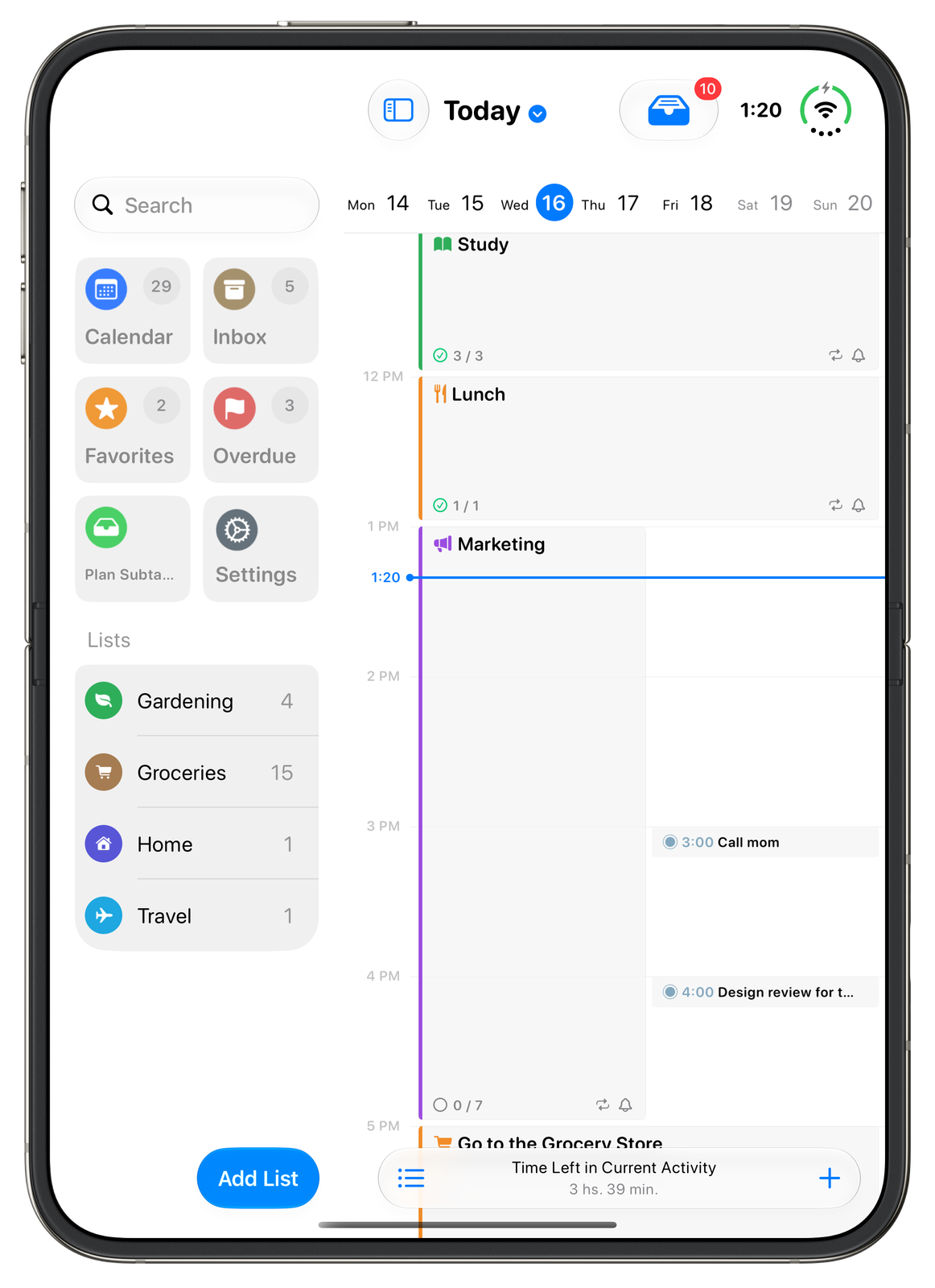
Two displays, one app
Closed, your day stays in hand on the outer display; opened, the sidebar and a full-height timeline take the inner display, without losing your place.
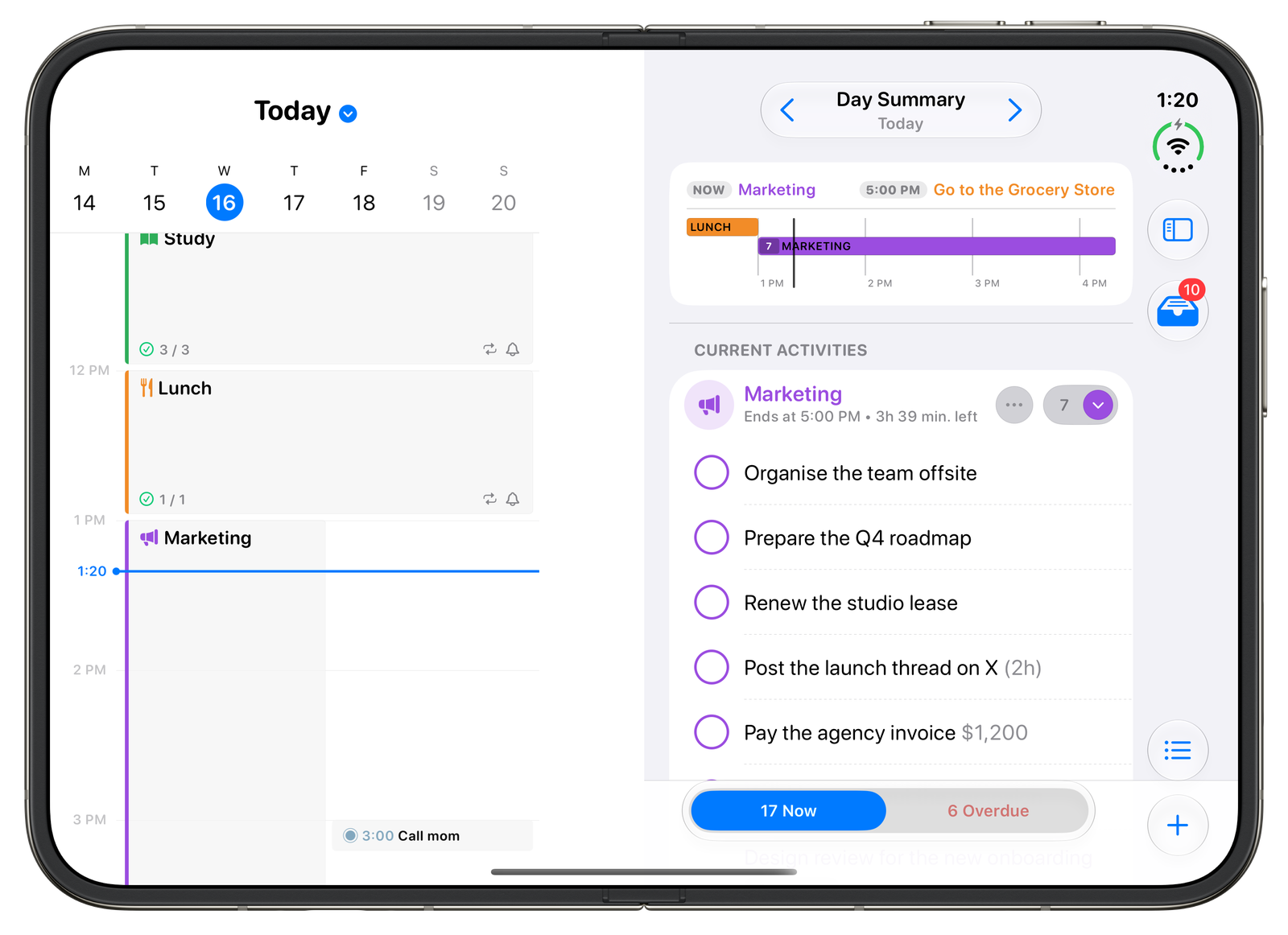
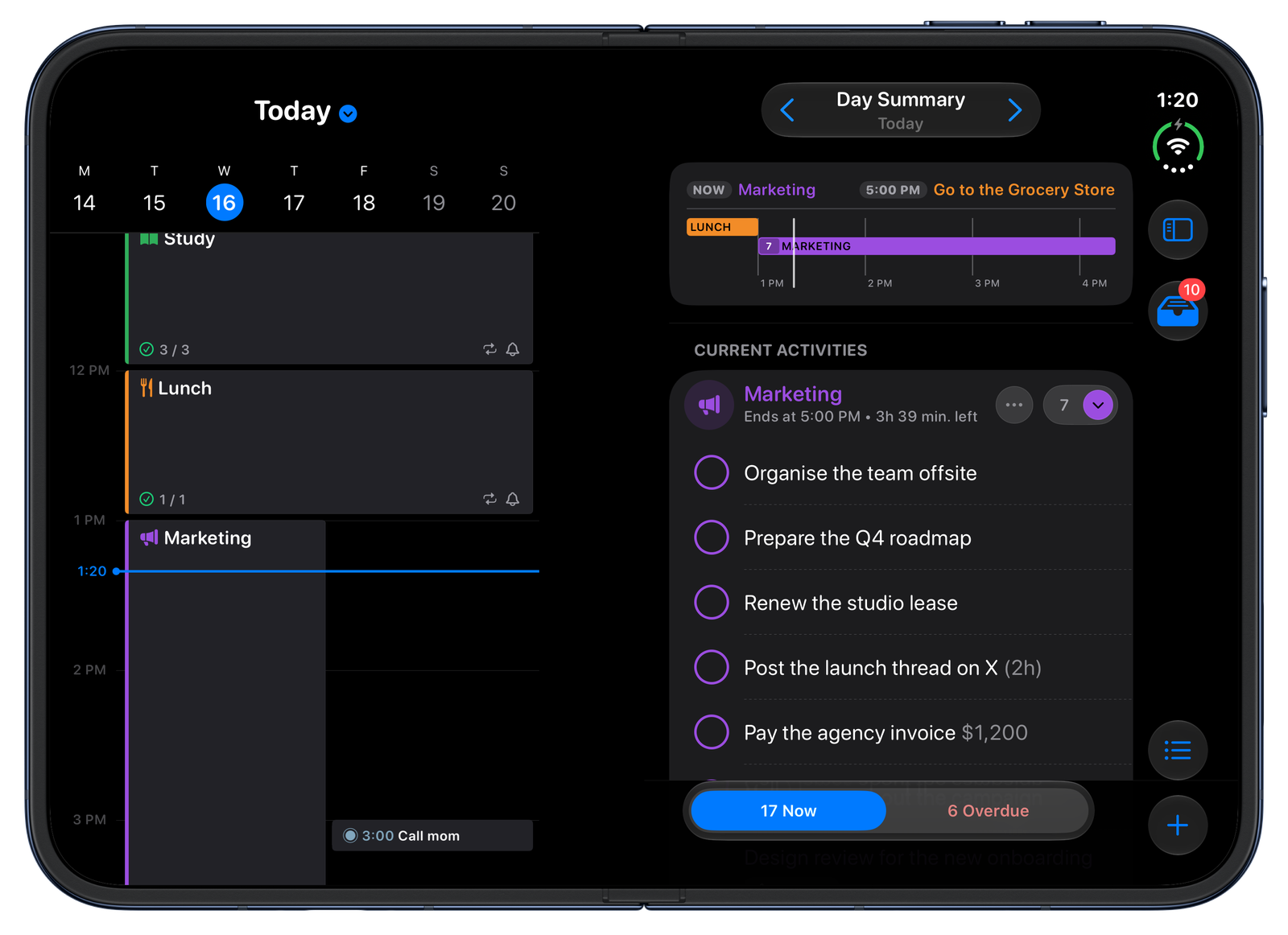
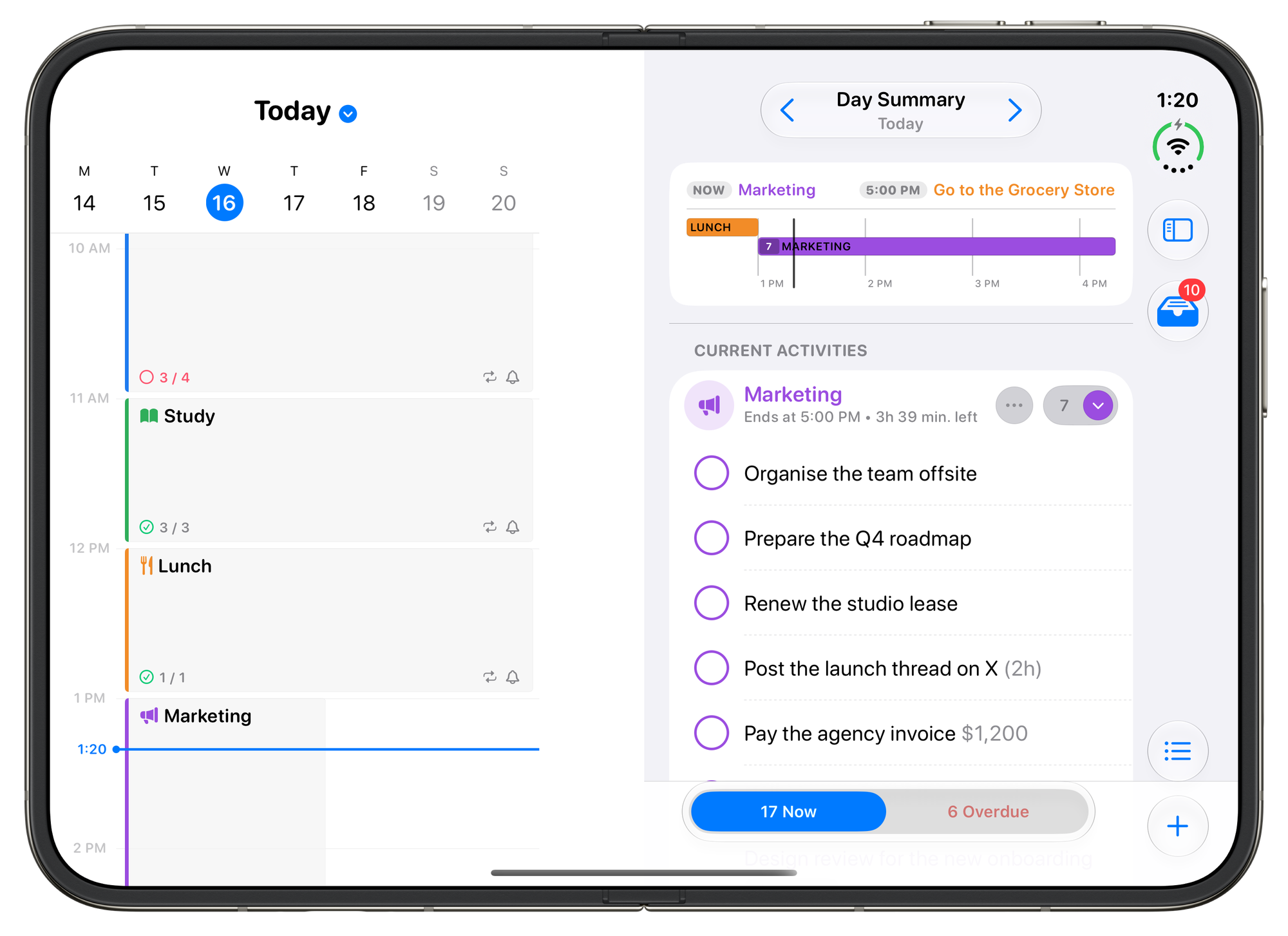
Day Summary beside the timeline
In landscape, what is happening now and what is overdue sit next to the hours.
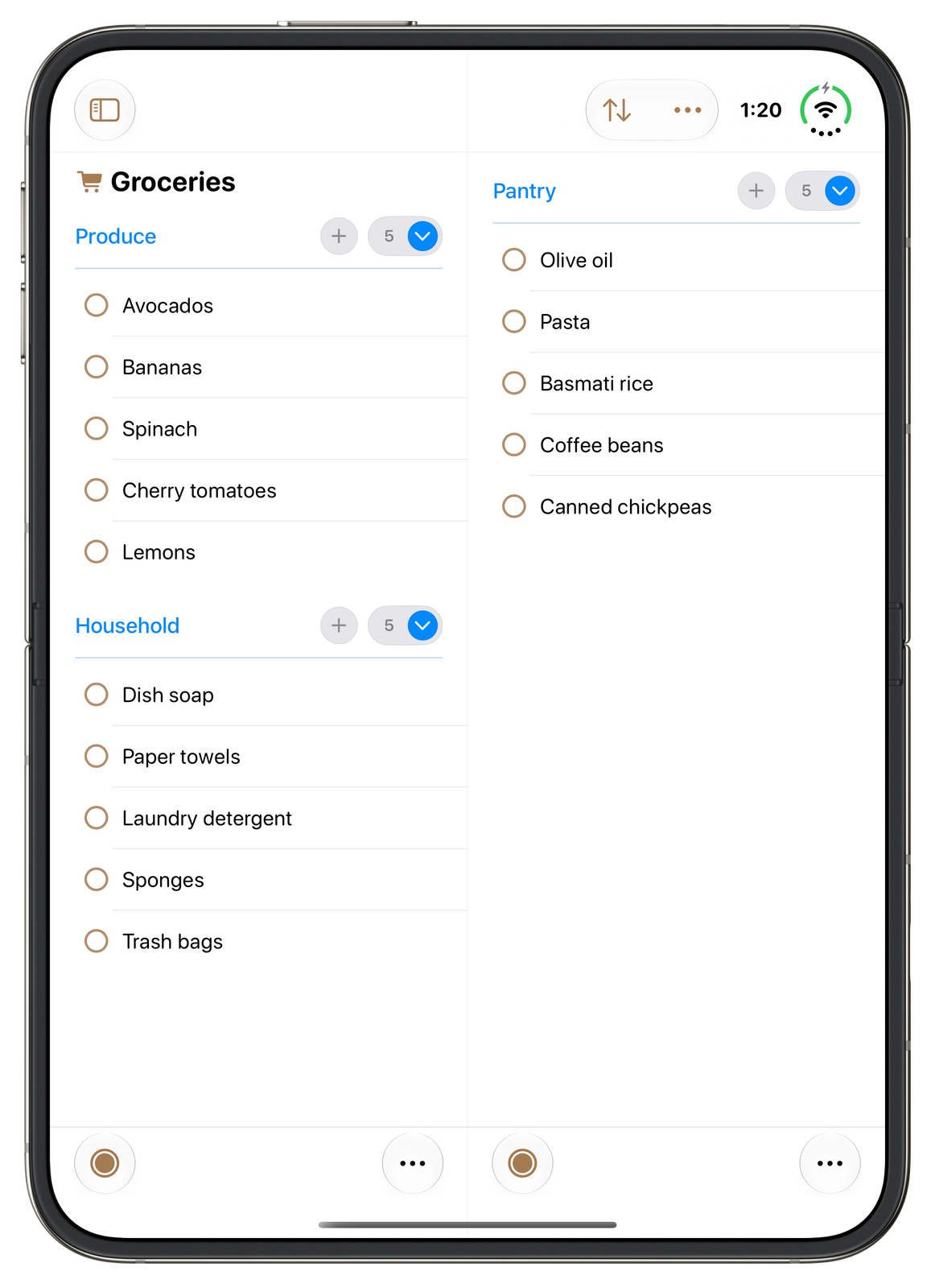
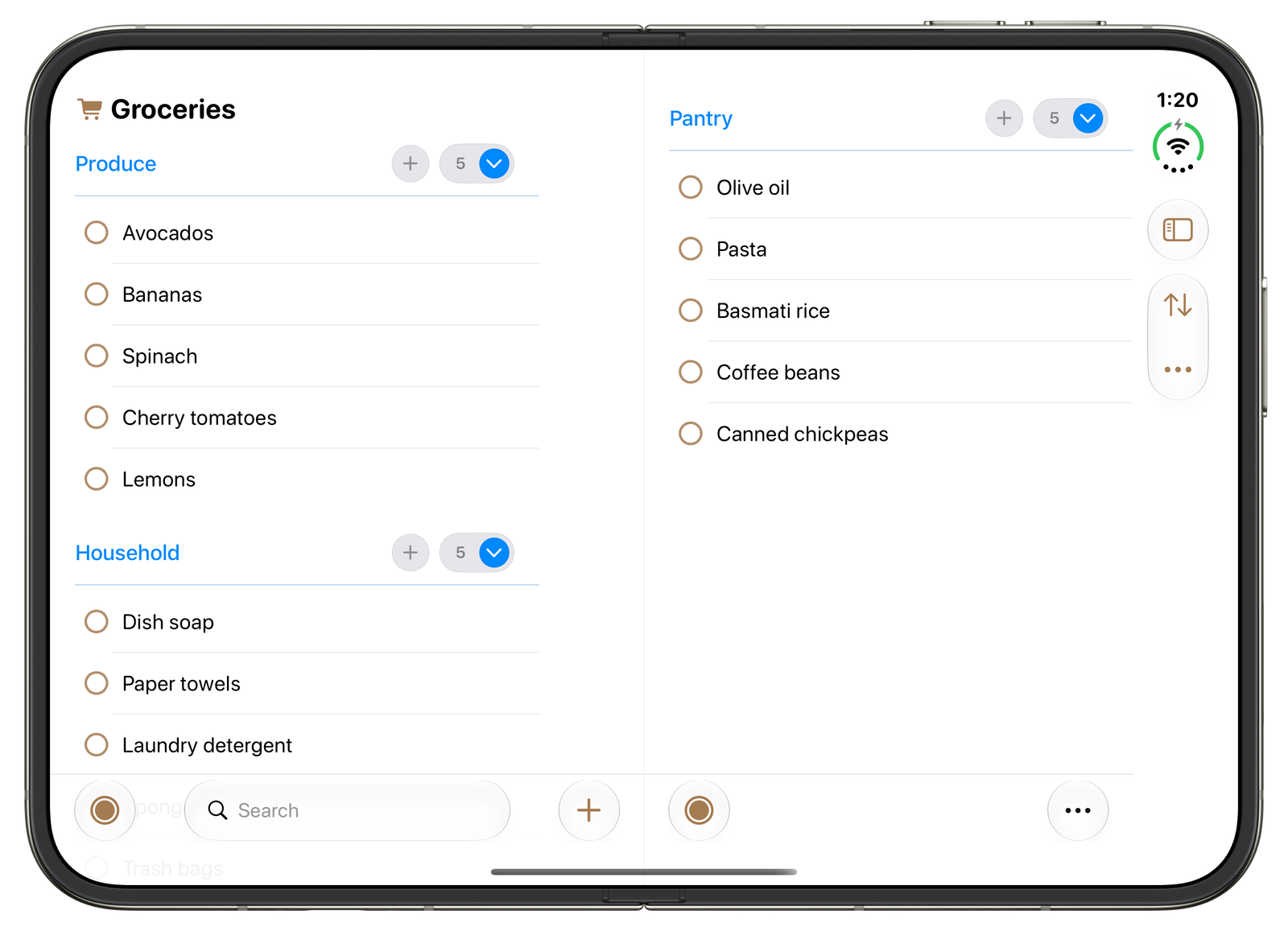
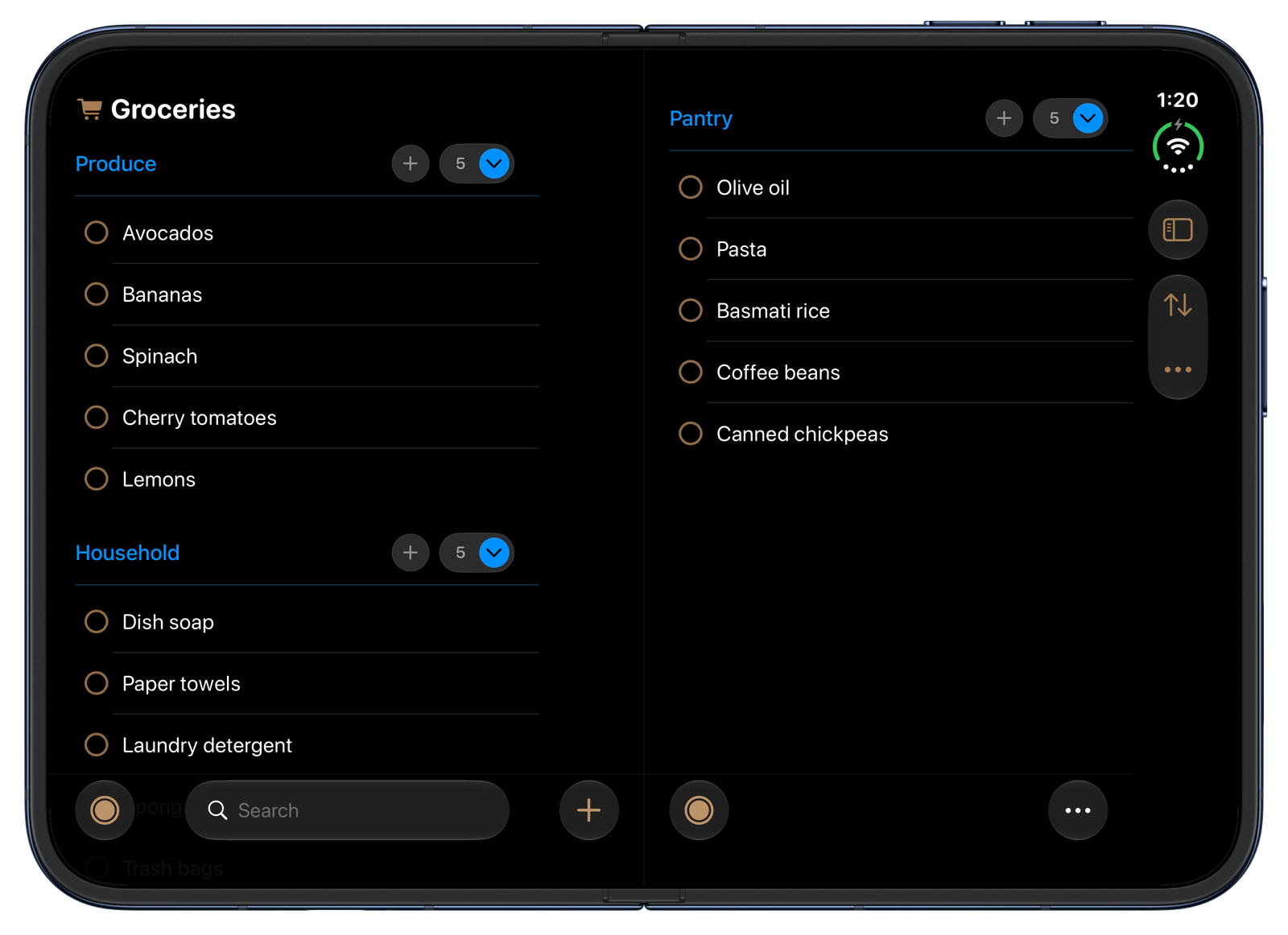
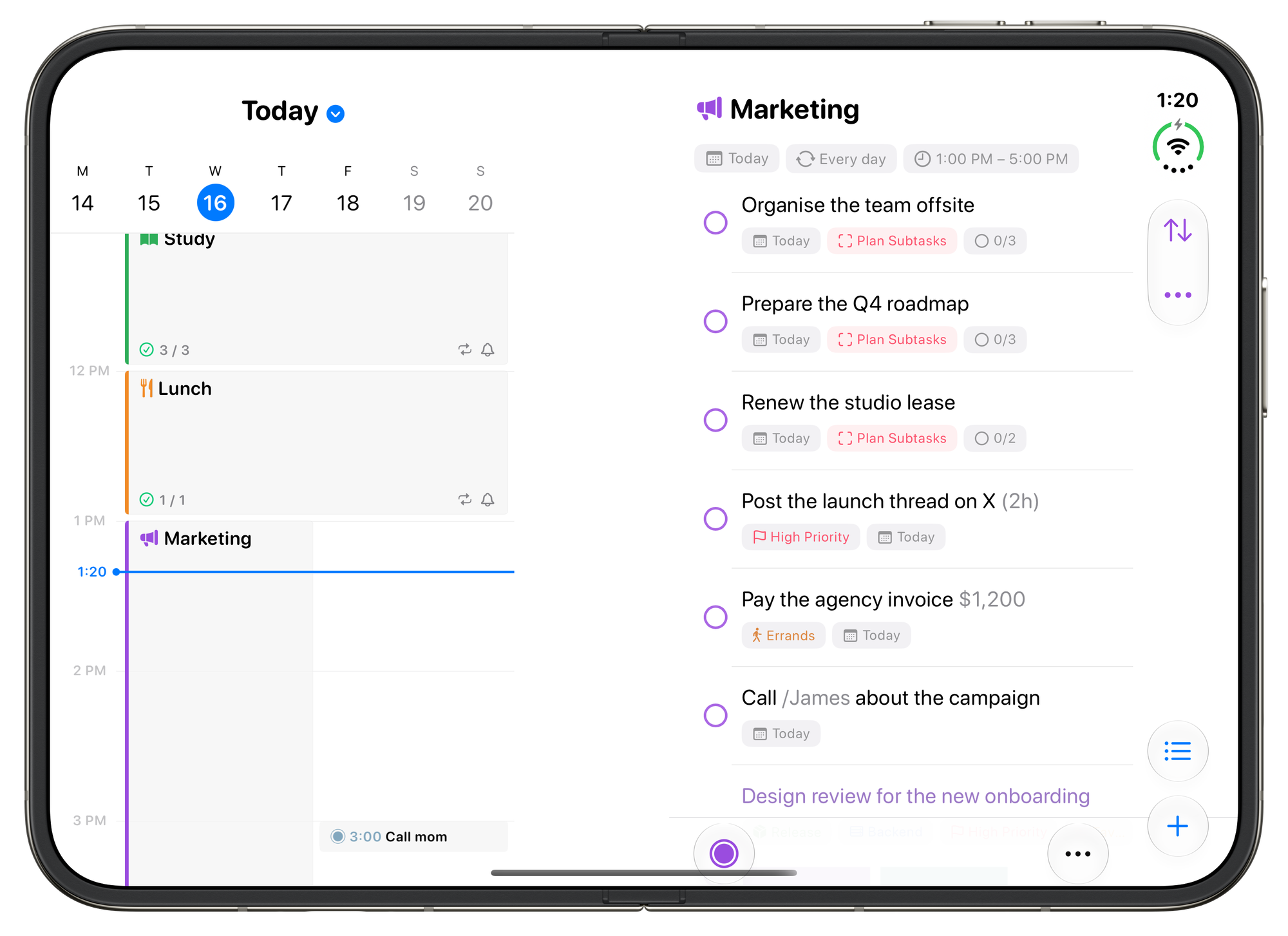
Lists as two columns
A sectioned list spreads across the wide display, with drag and drop between the columns.
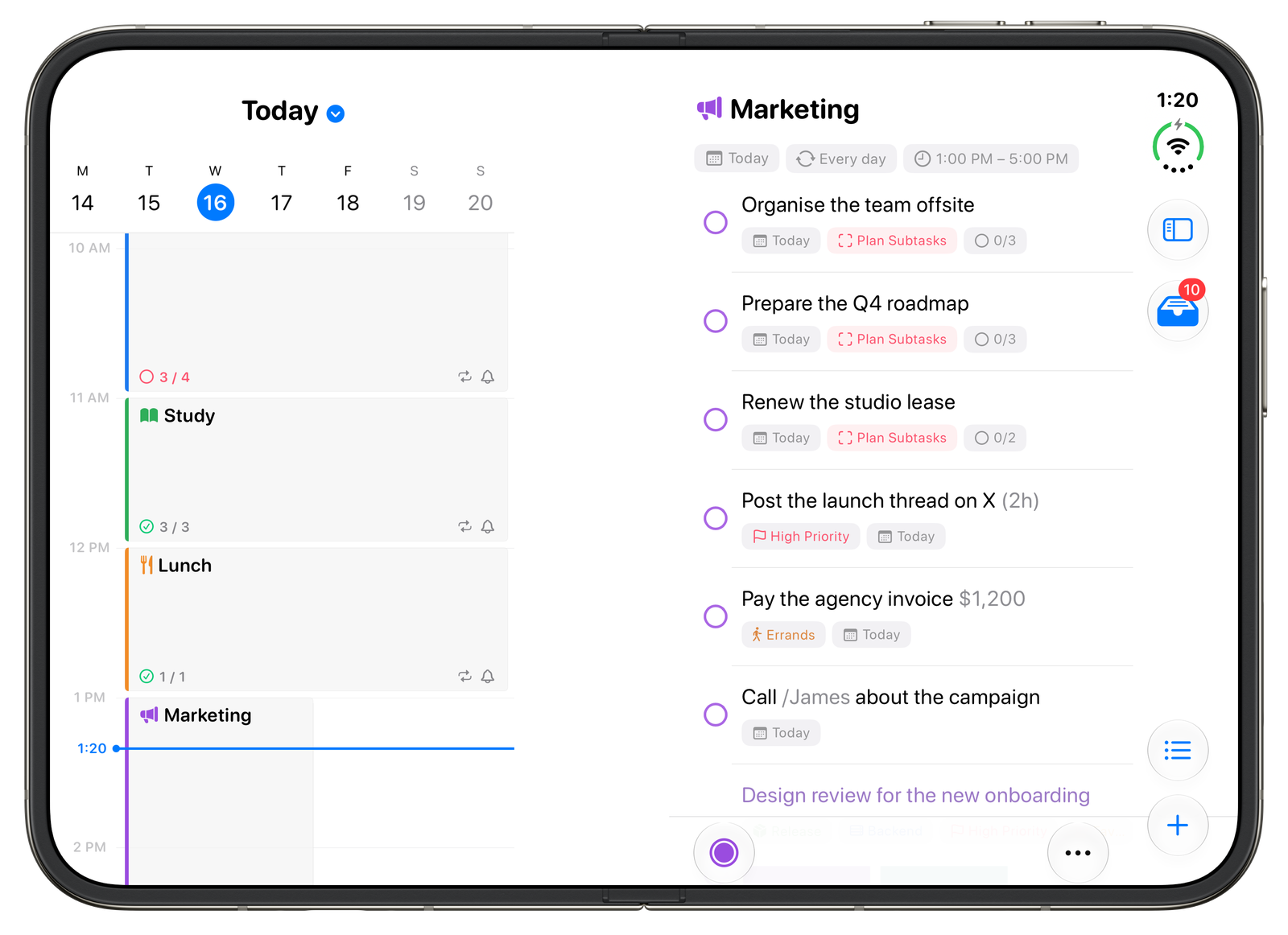
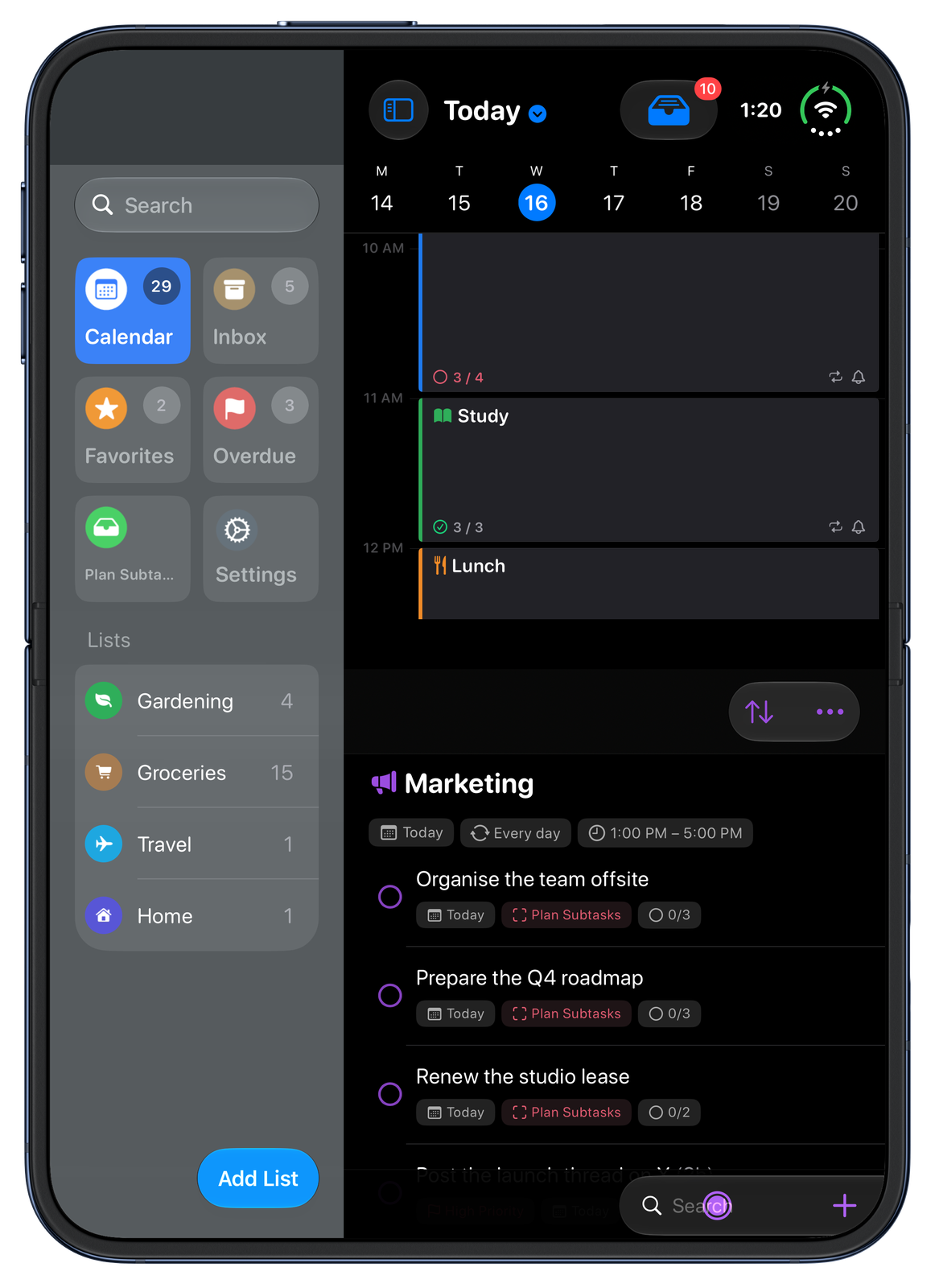
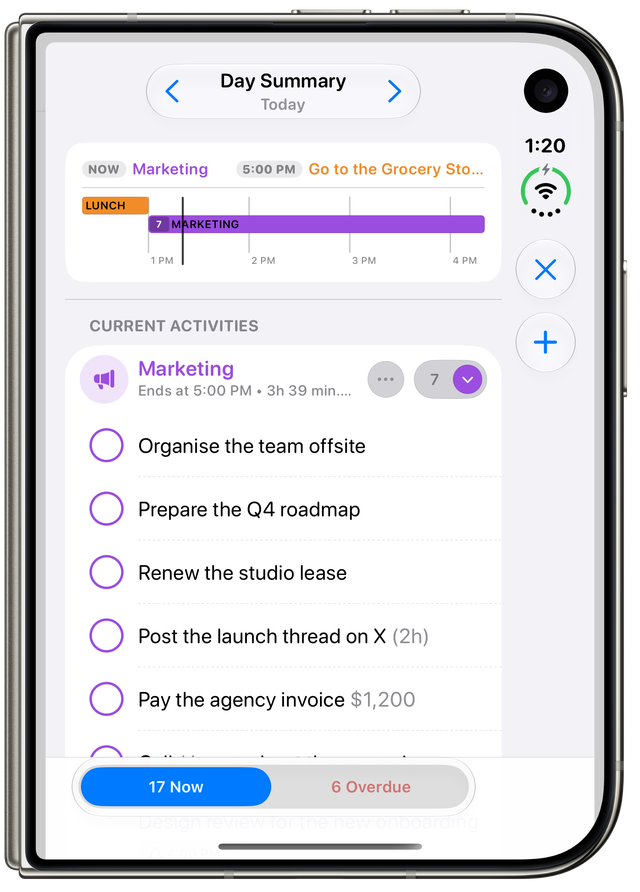
Fold it halfway
On a desk or held like a book, the current activity's tasks appear on the other half.
Features
SuperPlanner integrates with the latest technologies from Apple:
- Liquid Glass design
- Home Screen widgets
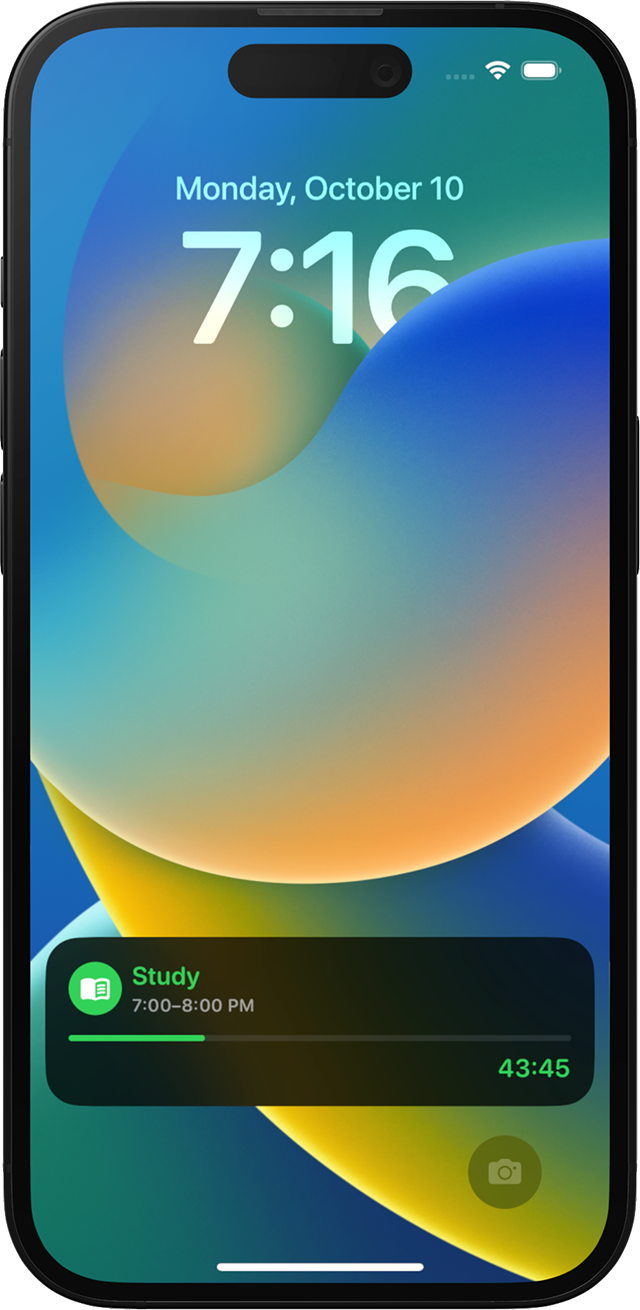
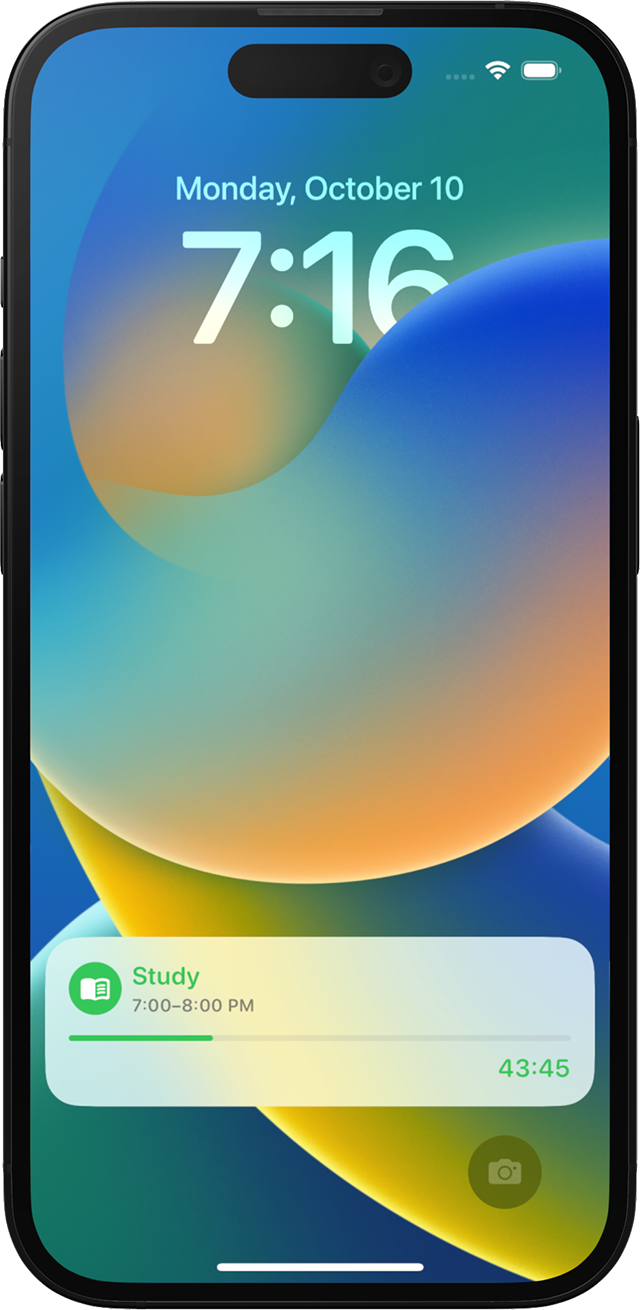
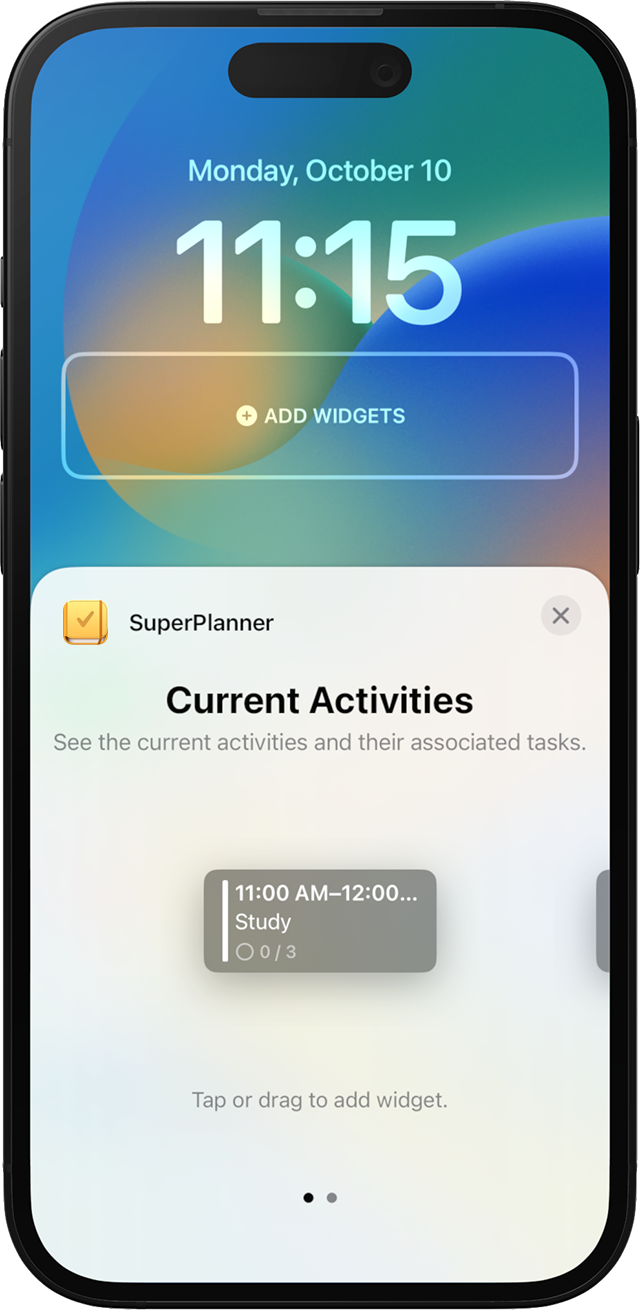
- Lock Screen widgets
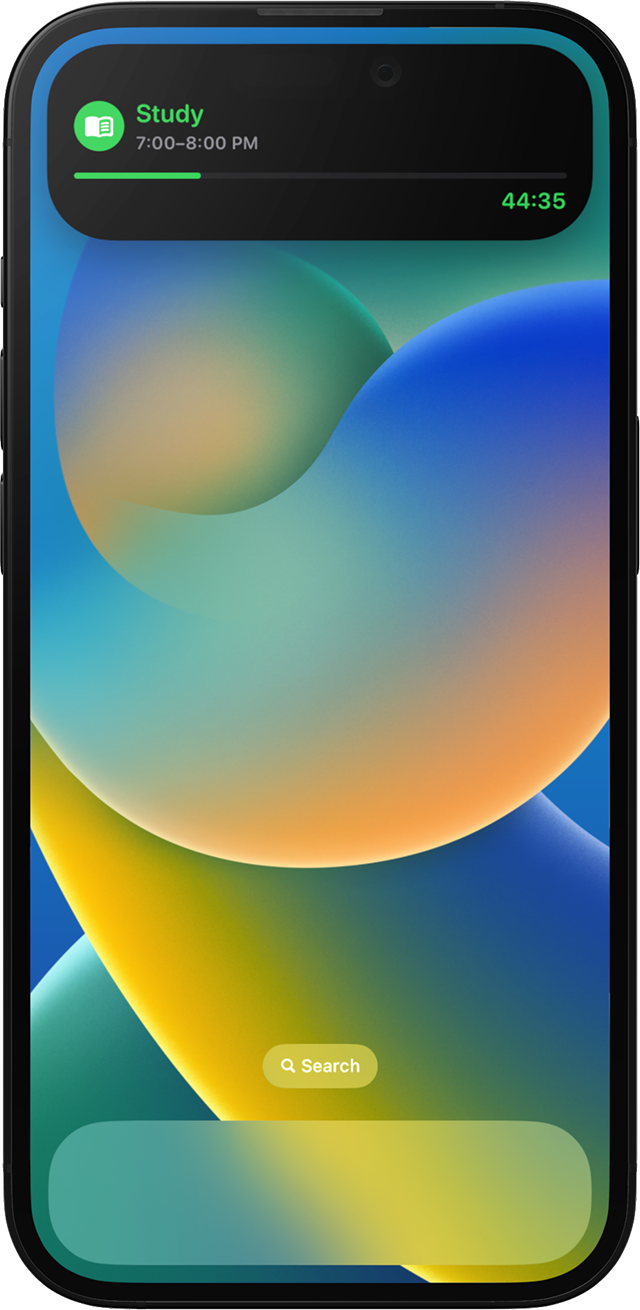
- Live Activities
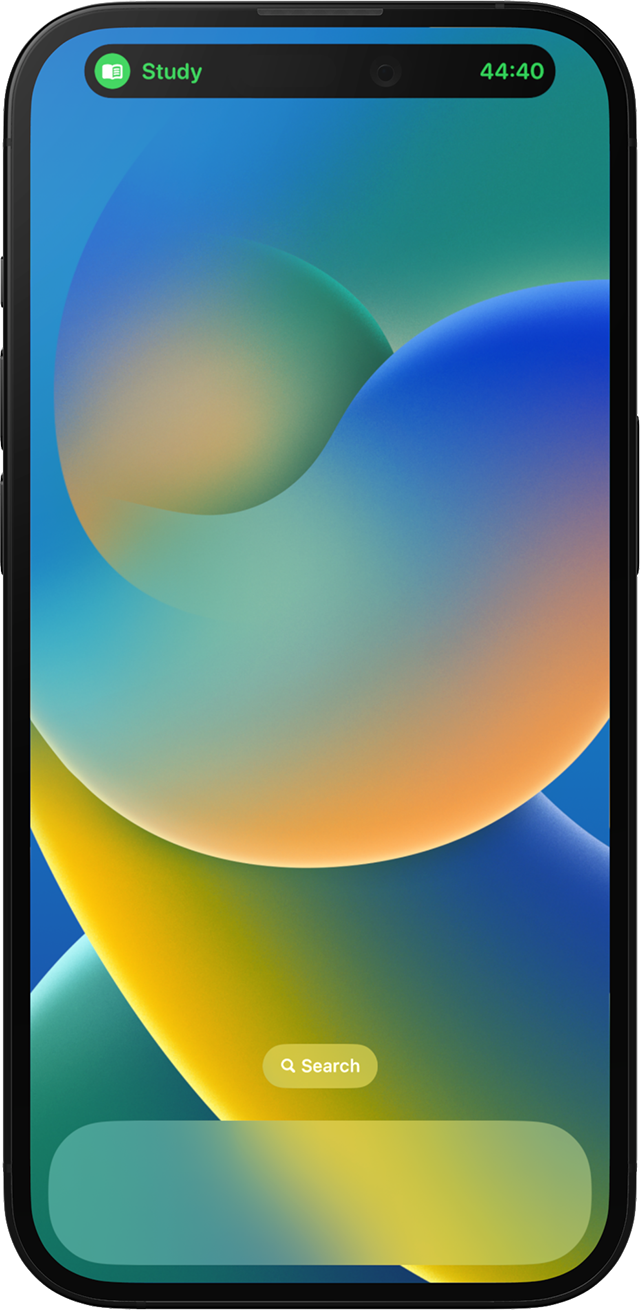
- Dynamic Island timer
- StandBy mode
- iCloud sync, no account
- Calendar integration
- App Shortcuts
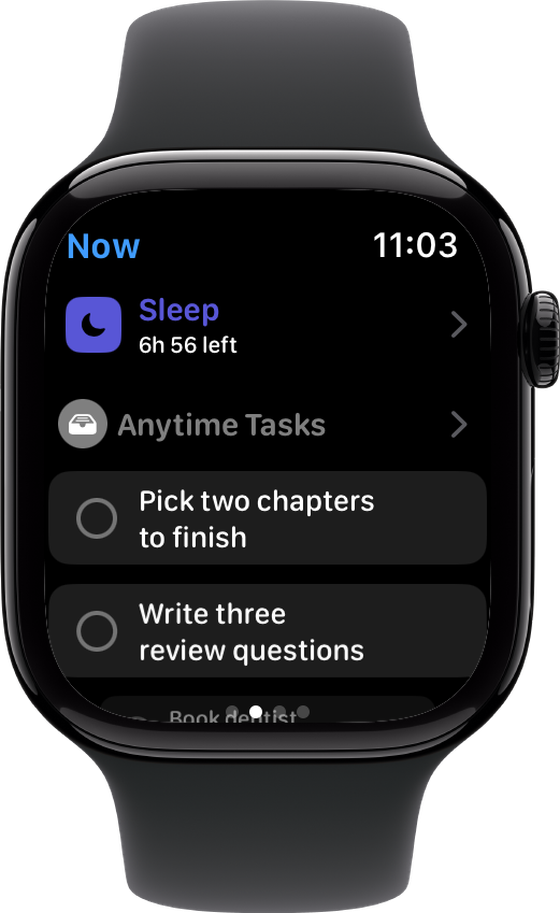
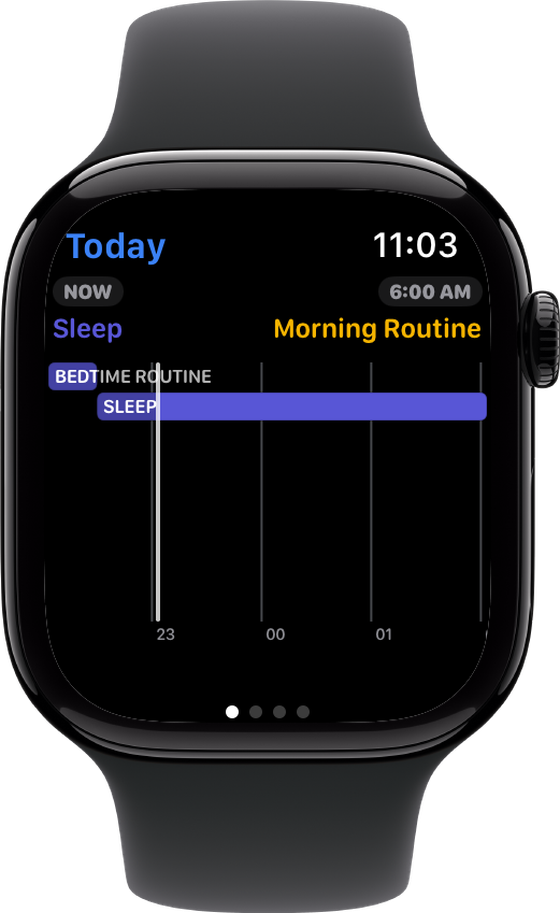
- Apple Watch complications
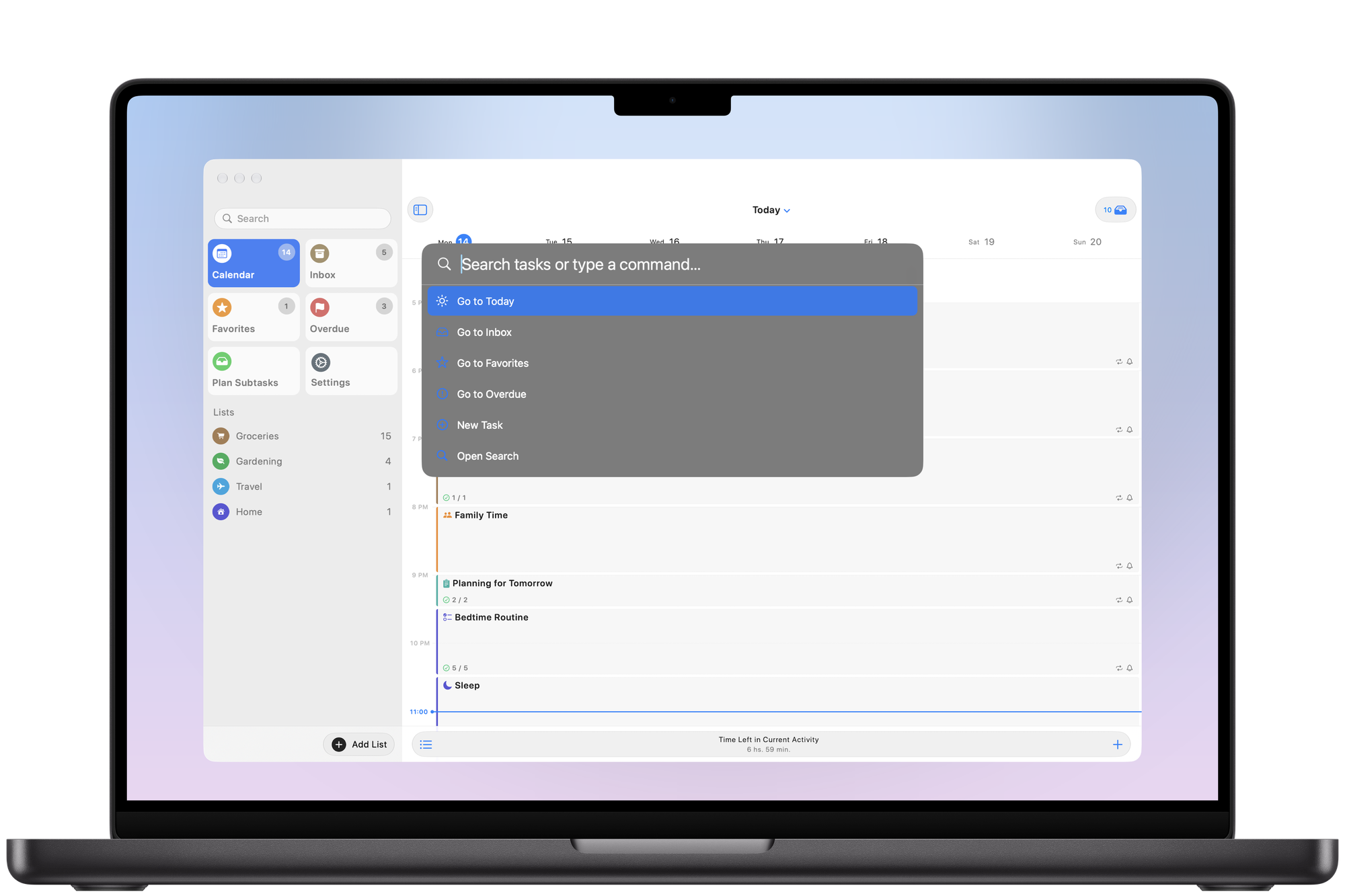
- Mac menu bar and Command Bar
- Built for iPhone Duo
The app includes a robust feature set for productivity to empower users to manage their day effectively:
- Day Summary: now, overdue and next
- Time blocking with activities
- Tasks inside calendar events
- Sections and subtasks
- Tags and colours on tasks
- Image attachments
- Inbox and anytime tasks
- Repeating activities and tasks
- Quick reschedule suggestions
- Drag-and-drop reordering
- Archiving per activity or list
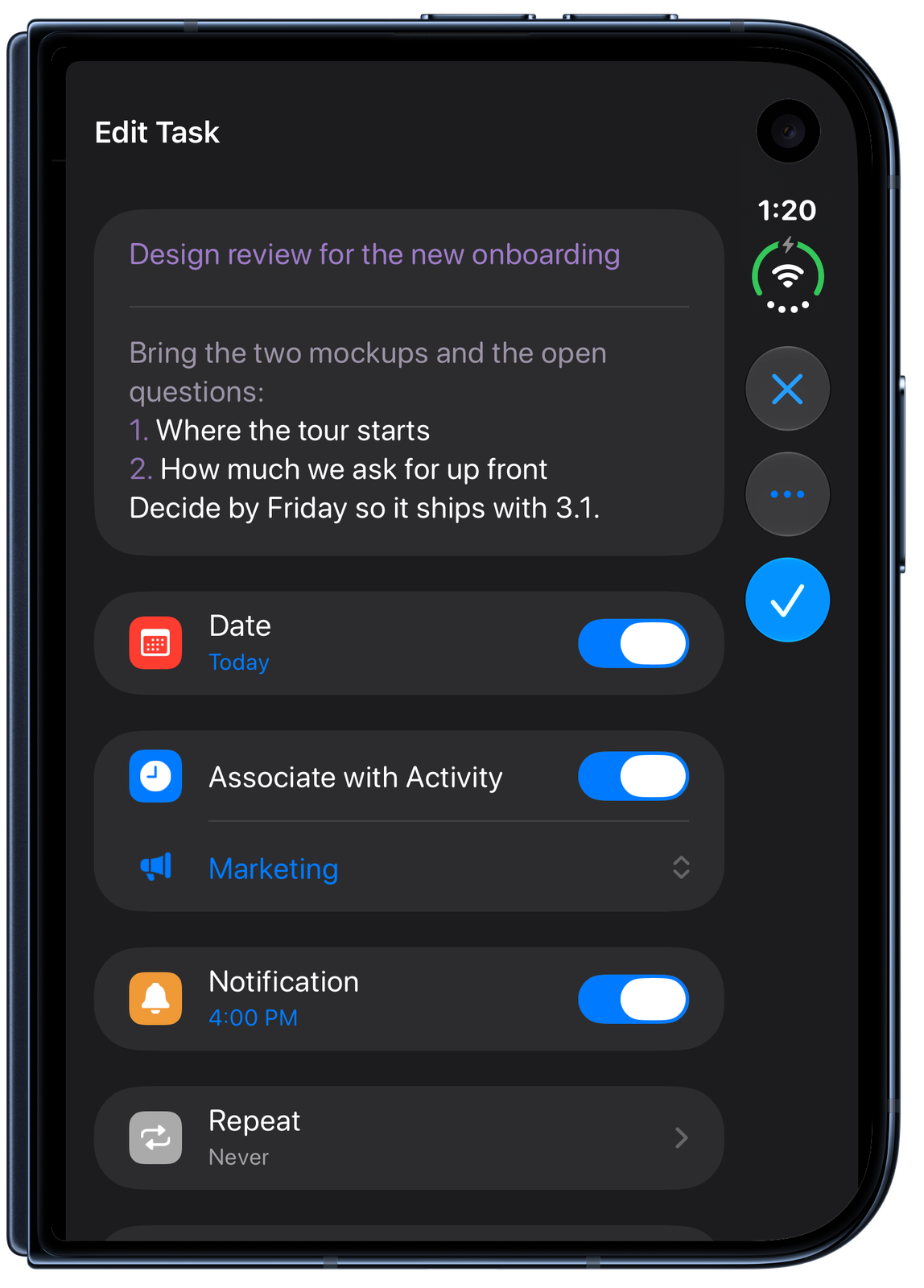
- Full-screen editor
- Shake to undo
- Text formatting in titles
- Search and advanced filters
- Hide or collapse sections
- Themes and alternate icons
- Nine languages
What Users Say
I really love the app so far, finally a planner that isn't automatically the calendar. I can add things here that don't get seen in my calendar but I can see my calendar events in this app. I love the UI, clean and simple, and I love that everything works across all my devices. This is a 10/10 app!
I've tried so many that I've lost count. This is the only planner app I've found that is simple and easy to use, while having a nice format. I'm surprised that this app isn't as popular as the other ones. Definitely give this app a try!
I was searching for an app where I could have to-do lists within time blocks. I thought I had already looked everywhere until I found this gem of an app. It does exactly what I imagined my dream app could do: to-do lists within repeating time blocks. And it even has simple color-coding and icons. I'm so grateful for this app and will recommend it to others. 10 stars!!
Fantastic native app with an appreciable notable feature of letting you assign Activity time slots to tasks to time block and a very flexible structure to organizing tasks lists with headings, notes, sub tasks. As I've been playing around with the app I got this sense of 'whoa they actually thought about how to connect time + tasks and multiple levels of organization'.
With my ADHD symptoms, time blocking really pulls my life together in a way that nothing else can, and this app makes that extremely simple. It isn't flashy, colorful, or distracting like a lot of apps on the market. It just does what you need it to do.
Frequently Asked Questions
SuperPlanner is for anyone that would like to organize the day using the familiar interface from a calendar and combine that with the most important features from task managers.
People that can benefit from the app include:
- Business professionals
- Students
- Neurodiverse people with Autism and ADHD
Media
Please feel free to use any of the following images. They can be downloaded in high-resolution via right-click. The iPhone Duo press kit (PDF) and the showcase video (MP4) can be downloaded as well.
Screenshots


Devices
App Icon and Logo


Pricing
SuperPlanner is free to download and there are Pro features that can be unlocked on the app.
There are three ways of unlocking Pro features:
1. Unlocking all Pro features via a subscription:
Monthly
Unlocks all Pro features for 4.99 USD per month with a 3-day free trial.
Yearly
Unlocks all Pro features for 29.99 USD per year with a 1-week free trial.
2. Unlocking all Pro features via one-time purchase:
Lifetime Unlock
Unlocks all Pro features for 59.99 USD.
3. Unlocking a single feature pack via one-time purchase:
Customizations
9.99 USD
Advanced Scheduling
29.99 USD
Widgets
19.99 USD
Prices shown for the United States store; other countries have local pricing.
About the Developer

I wrote my first lines of code at the age of 15 and I immediately knew what I wanted to do the rest of my life.
Over the years, I had the opportunity to contribute by writing open-source software, delivering presentations at tech events, writing books, volunteering and helping other developers from the community.
I built SuperPlanner to stay organized and make the most of every day. It took many years of iteration, polishing and perfecting the product, and I am excited for people to start using it and help improve their lives.
In 2023 I took part in Apple Entrepreneur Camp, and the App Store editors have selected SuperPlanner six times since its launch.
Links
| # | Title | Link |
|---|---|---|
| 1 | Landing page | https://superplanner.app/ |
| 2 | iPhone Duo press kit (PDF) | https://superplanner.app/landing-page-assets/press-kit/SuperPlanner-iPhone-Duo-Press-Kit.pdf |
| 3 | Showcase video (MP4) | https://superplanner.app/landing-page-assets/video/duo-showcase.mp4 |
| 4 | Launch trailer (2022) | https://www.youtube.com/watch?v=X_gA1988KJU |
| 5 | App Store | https://apps.apple.com/app/superplanner/id6443725564 |
| 6 | TestFlight | https://testflight.apple.com/join/HasKVxyR |
| 7 | Privacy Policy | https://superplanner.app/privacy-policy |
| 8 | Developer Email | [email protected] |
| 9 | Launch press kit (December 2022) | https://superplanner.app/press-kit-2022 |